Practice your first save
Save anything. Find it later.
Pages, posts, videos, and places—all in one searchable library. Start by saving this page.
01
Open the extension
02
Save to SavedIt
03
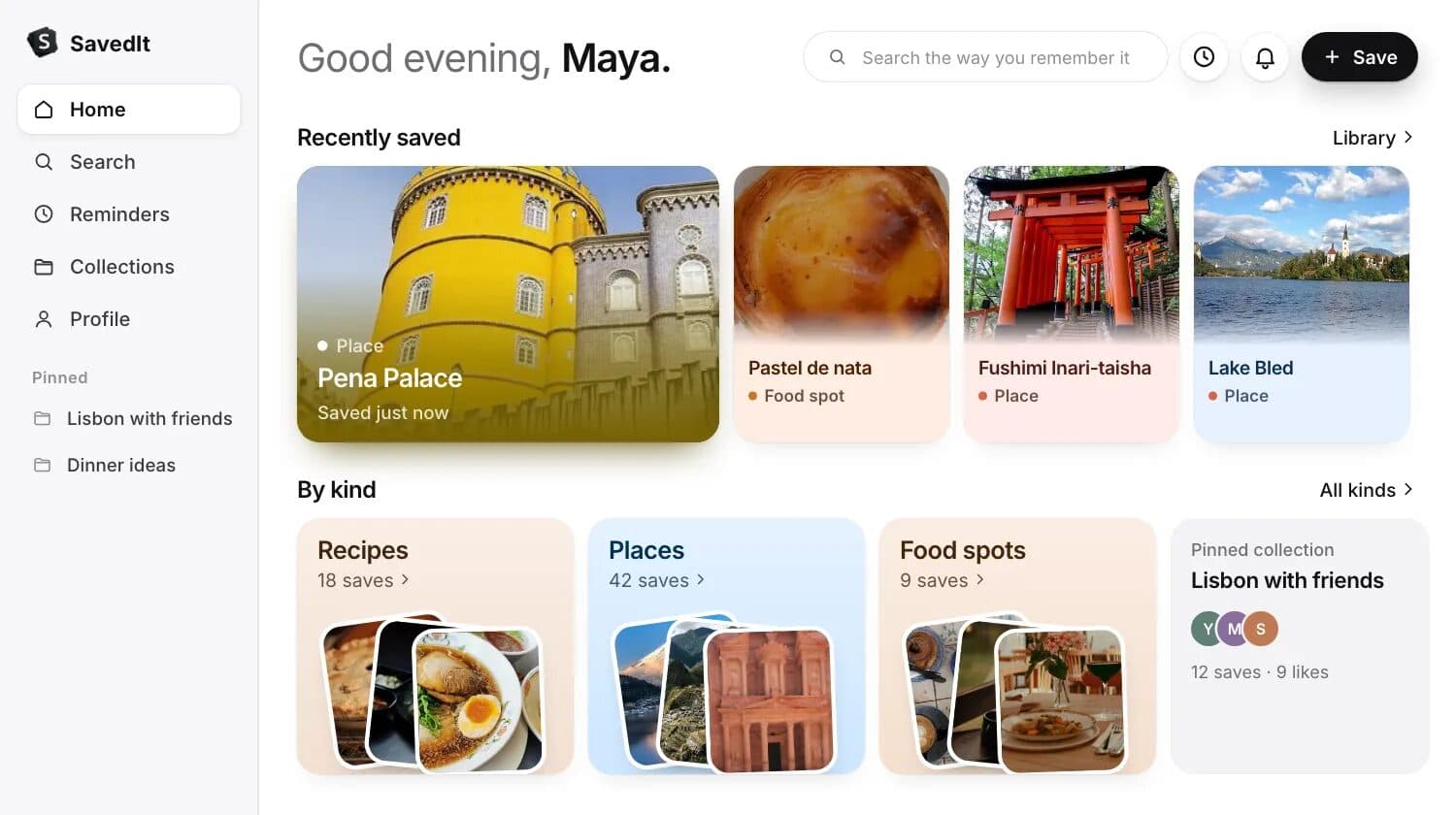
Find it in your library
Use the SavedIt Chrome or Firefox extension to send any tab directly to your library.



Can’t find SavedIt in Share?
Install SavedIt from the Chrome Web Store or Firefox Add-ons. Then pin SavedIt so it stays beside the address bar.
What you’ll see