














Magic search
Find a save by describing what you remember, like “the ramen place from that video”.



Sorted for you, and easy to find again.

It’s your
All of it, in one app.Save from any app with one tap.
Your saves are spread across apps, folders and screenshots, so finding one means scrolling. In SavedIt, you type what you remember.
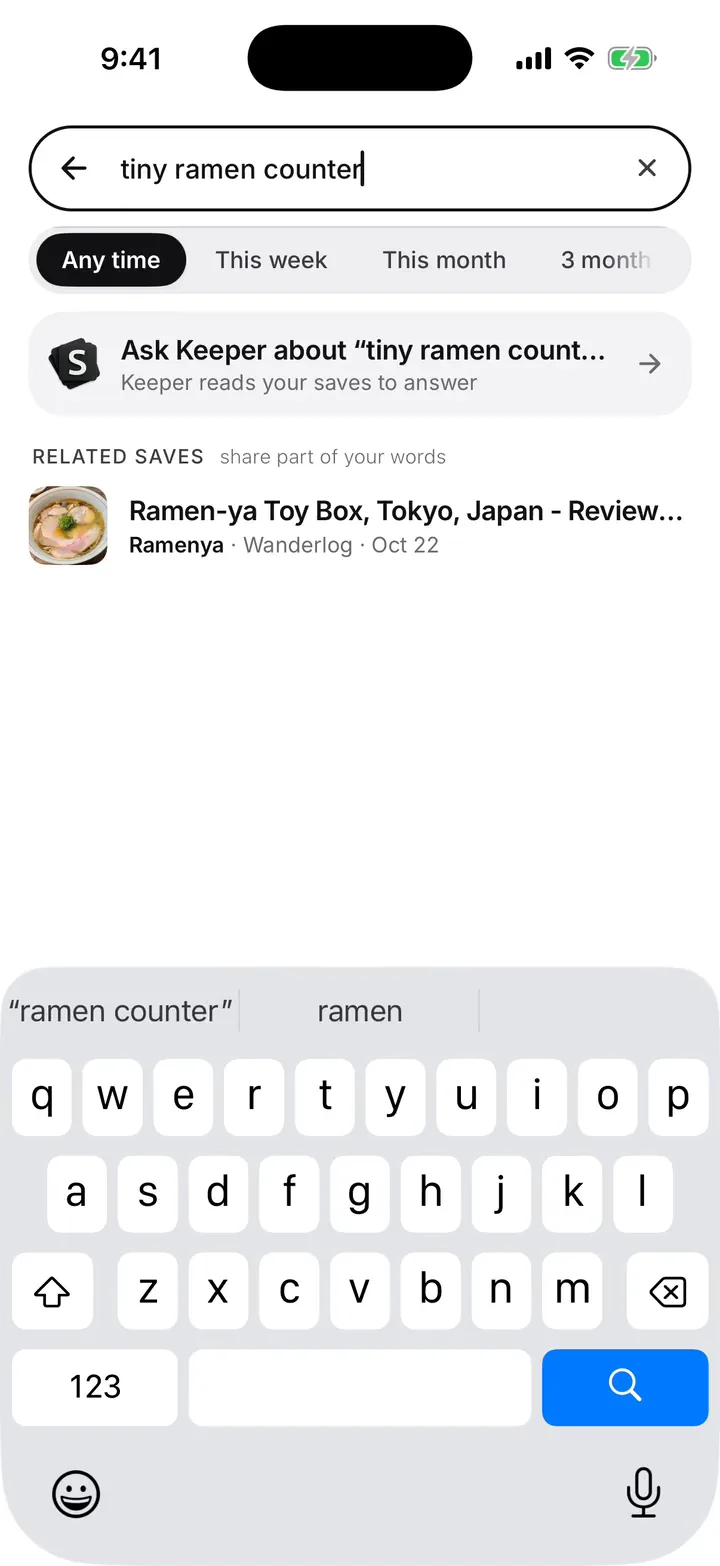
Describe it however you remember it, and it comes up.
Videos, posts, pages and links from any app, all in one library.
A place comes back with directions, a recipe with its steps, a product with where to buy it.
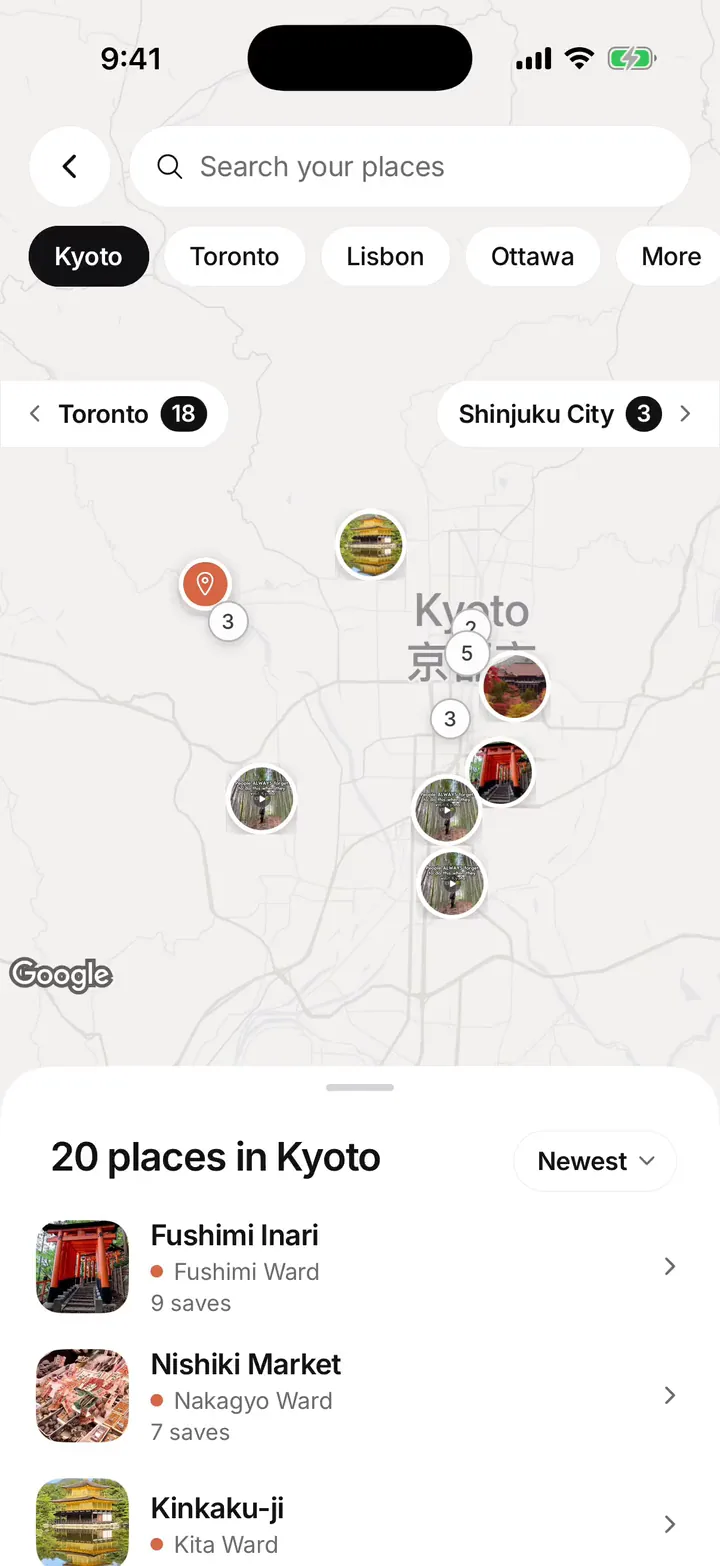
It’s a place.You saved it to go.So you get it on a map, with directions.
It works out what each save is and why you saved it, then tags it for you.


Tap Share in any app and pick SavedIt. On a computer, use the browser extension.

SavedIt reads the post, page or video, then pulls out what you need: the places, the recipe, the key points.
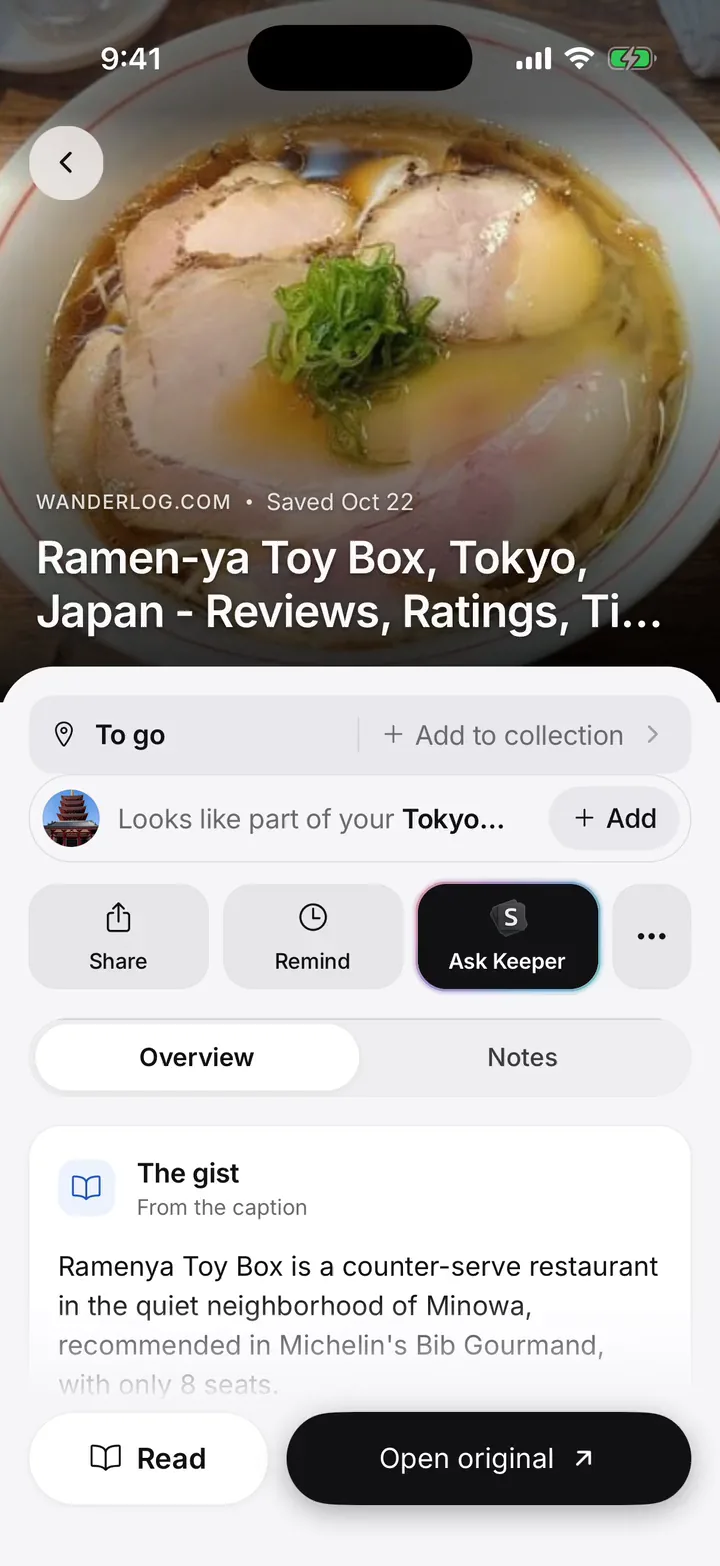
It works out what it is and why you saved it, then suggests the collection it belongs in.

Search for it in your own words, ask Keeper, or set a reminder.
Find a save by describing what you remember, like “the ramen place from that video”.
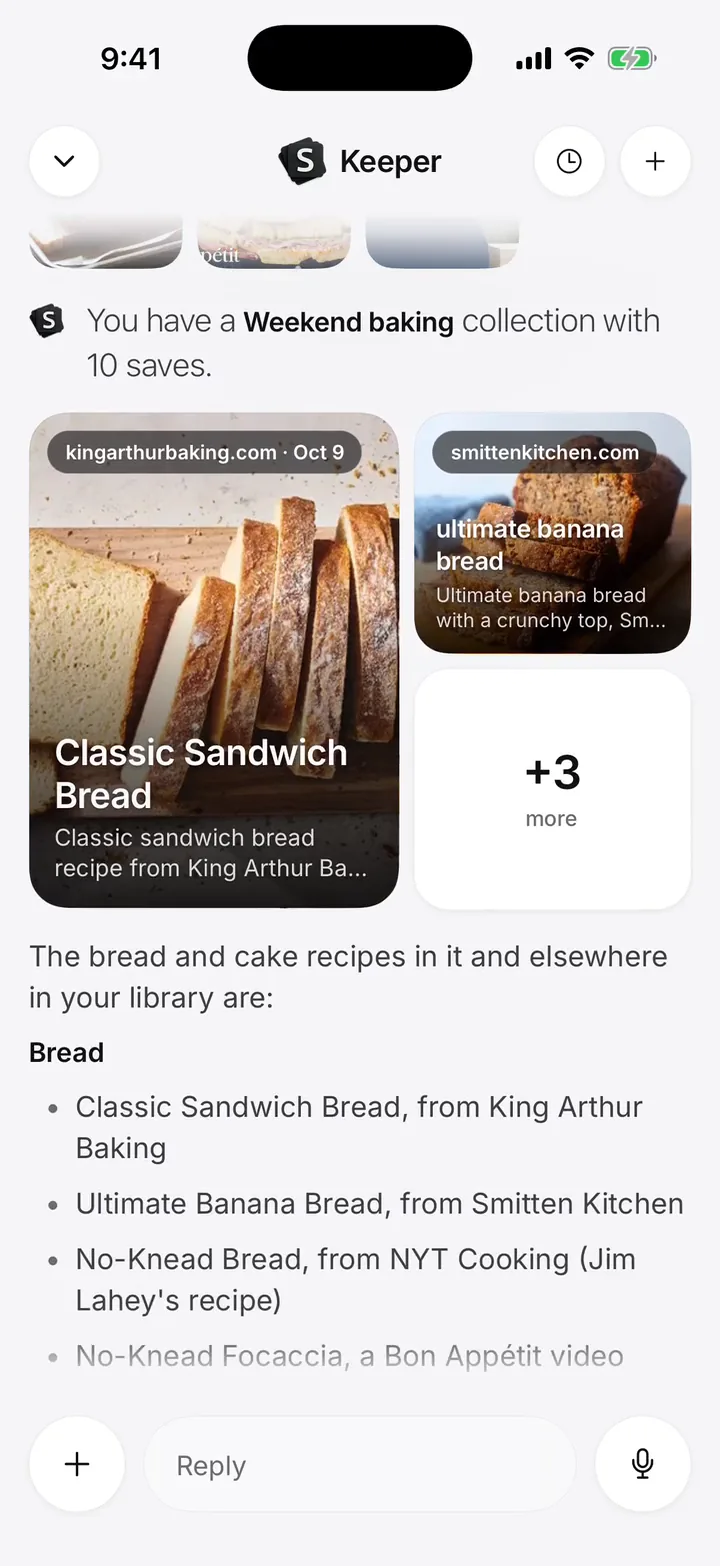
An assistant that knows your saves. Ask “What should I cook tonight?” and it answers from them.

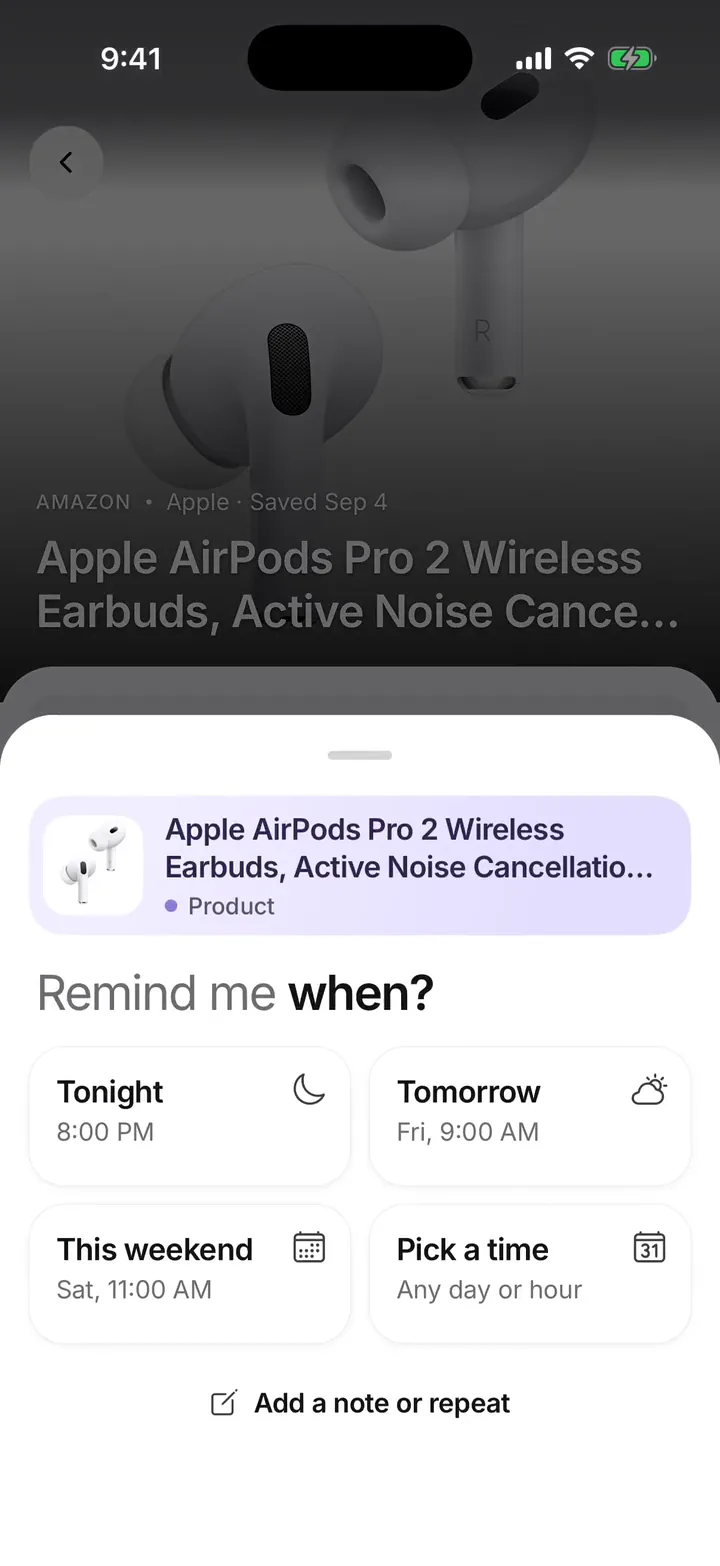
Pick when a save comes back: tonight, this weekend or any day you like.
Every place you saved, from any app, pinned on one map, city by city.
Group saves into lists, like a trip or a recipe book. Share one and plan it together.

Every save in one place, with no limit. Filter by kind in one tap.

Save from Chrome and Firefox on your computer, straight into a collection.

Save from any app’s share button. No cap.
Knows if you saved it to go, buy, make or watch.
Recipes, places and products sorted as you save.
Pulls the details out of videos and photo posts, like places.
Bring in years of saves from other apps.
Talk or type. Your note tidies itself.
Share a list and plan together, like a weekend trip.
Keeper reads more of your saves before a big answer.
Screenshots, photos and files. All private.
Each new save files itself into the right collection.
A public page for the lists you choose to share.
See how many people open and save your lists.
Apps for iPhone, iPad, Android and the web. Your saves are the same on every device.

Connect ChatGPT or Claude once. Then your AI can search, open and add to your saves, so you can plan with everything you’ve found.
Plan my Lisbon weekend from the places I saved.

Travellers
Save the travel video. SavedIt pulls out the places in it, with directions.


Home cooks
Ingredients and steps are pulled out, so you cook without rewatching.


Shoppers
Save products from any shop, post or video, and decide later.


Students
Lectures, articles and pages, each kept with its gist. Ask about a topic and get an answer from what you saved.

Creators
Share your favourite saves and public collections at one link. People can follow your collections and save what they like.


Families
Share a collection. Everyone adds what they find and likes what they love.

Only you can see what you save, unless you share it.
We do not sell or rent your data. Your saves are yours.
The AI providers we use don’t train on your saves. If none is available, the request stops instead.
Download your saves as a file, or delete everything. Deleted saves wait 30 days in case you change your mind.
One place for everything you save. Tap Share in any app to save a post, video, page or product. SavedIt sorts it for you and makes it easy to find again.
Instagram, TikTok, YouTube, Reddit, X, Pinterest, your browser and any app with a Share button. Tap Share, then SavedIt. SavedIt keeps the link and what it reads from the post, not a copy of the video.
Yes. Open Settings, then Library, then Import saves, and pick Instagram or TikTok to see the export steps.
Save a video or a photo post and SavedIt reads it, then writes out what matters: the places in it, the recipe’s ingredients and steps, or the key points. There’s nothing to turn on. Free includes 10 a month and Plus 500.
Keeper is an assistant inside SavedIt. Ask it about your saves and it answers from them, showing the saves it used. Free includes 5 asks a month and Plus 300.
Describe what you remember, like “the ramen place from that video”, and SavedIt finds it even if those words appear nowhere. Searching your exact words is always free.
Open a save or a collection, tap Remind and pick a time. SavedIt sends a notification then.
Open Settings, then Connect your AI, pick ChatGPT or Claude, then tap Connect. Disconnect from the same screen and access stops right away.
Saving is free and never limited, and so are collections, sharing, the Reader and searching for exact words. Plus adds more Magic reads, unlimited search by meaning, more Keeper, the Places map and more room. Plus is US$7.99 a month or US$39.99 a year in the US, and CA$7.99 a month or CA$39.99 a year in Canada, with 14 days free.
Yes. In the US, Plus is US$7.99 a month or US$39.99 a year; in Canada, CA$7.99 a month or CA$39.99 a year. Everywhere else, the App Store and Google Play charge in your local currency. Every plan starts with 14 days free.
On iPhone, iPad, Android, Chrome, Firefox and the web.
Yes. Open Settings, then Account, then Delete. You can also export your saves as a file first. Deleted saves wait 30 days in Recently deleted so you can restore them.
 Scan to get the app.
Free to start. Or use SavedIt on the web at saveditapp.com.