


Let new saves file themselves into collections
With Plus, each new save files itself into the right collection: the pasta video lands in Recipes, the hotel in your Lisbon trip. It's called Auto-file, and it's on from the moment you have Plus.
On Free, SavedIt still suggests where your saves belong, and you add them with one tap.
Updated October 24, 2026
See what it filed
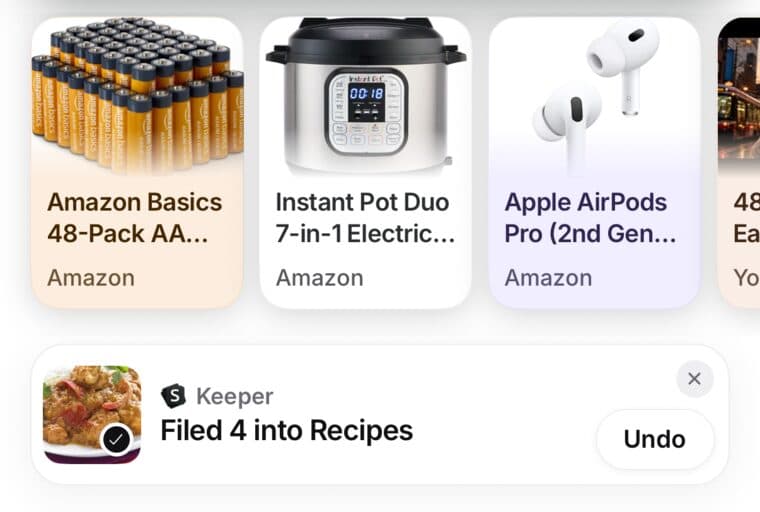
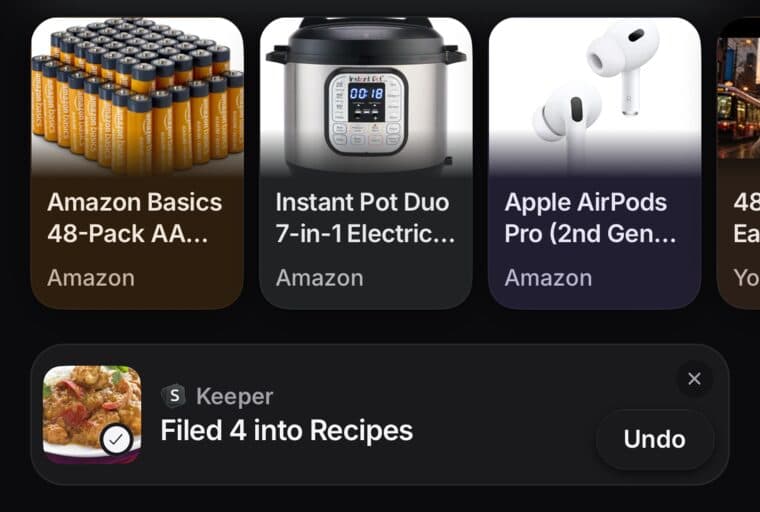
When Auto-file puts saves into a collection, a card on Home says so, like Filed 4 into Recipes. Tap the card to open the collection.
Not what you wanted? Tap Undo on the card and they all come back out. Taking a save out of a collection keeps it in your library.
Turn it on or off
- Open Settings, then Library.
- Under Smart features, switch Match to collections. That switch is Auto-file.
When Plus ends, Auto-file stops. Saves it already filed stay in their collections.
On Free: Keeper's suggestions
- On Home or in Collections, look for the Keeper's suggestions card, like 3 suggestions.
- Tap the card (in Collections, tap Review). You'll see New collections and Add to your collections.
- Tap Add on the ones you want. Skip the rest.
On a save that isn't in any collection yet, SavedIt may also say Looks like part of your Recipes. Tap + Add and it's in.