


Notes and voice notes
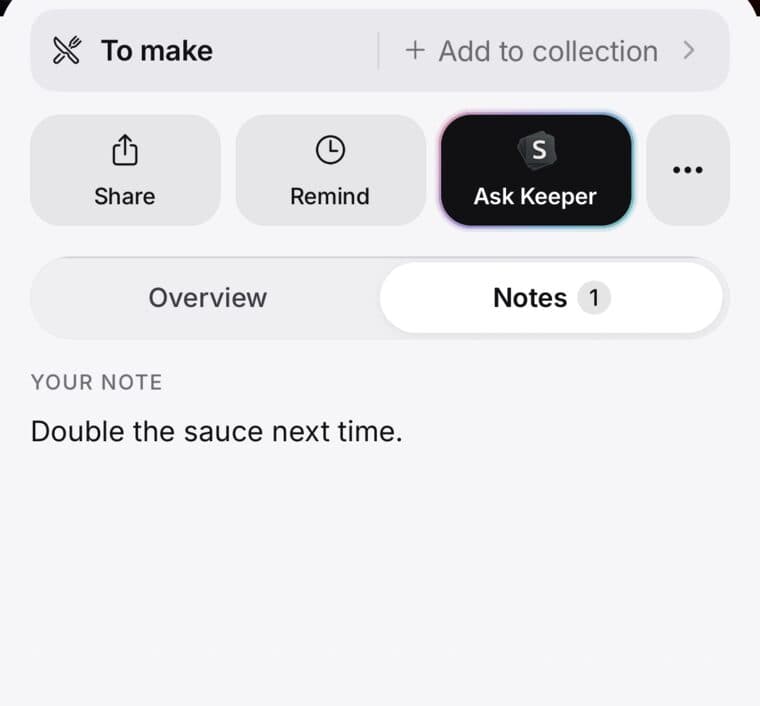
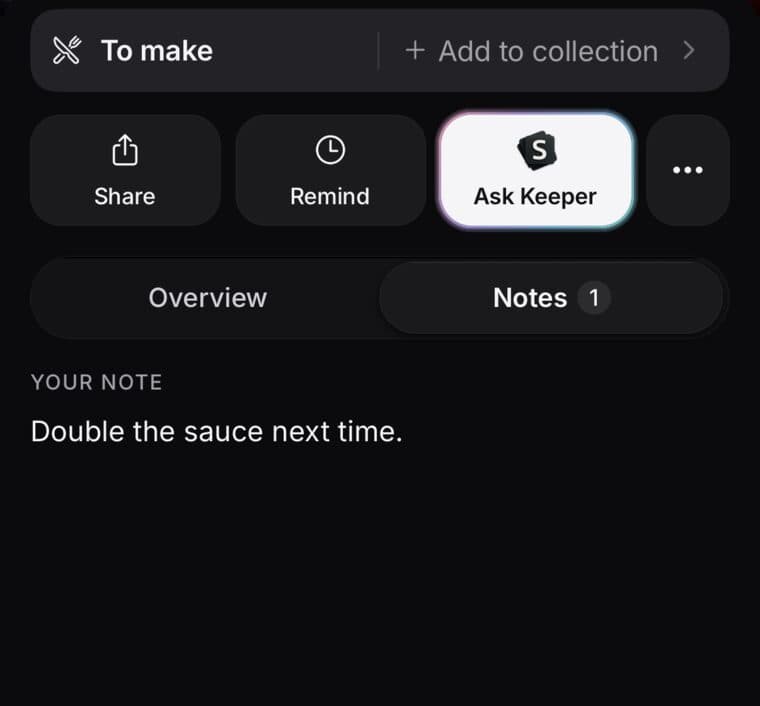
Open a save, tap Notes and start typing. It saves as you go.
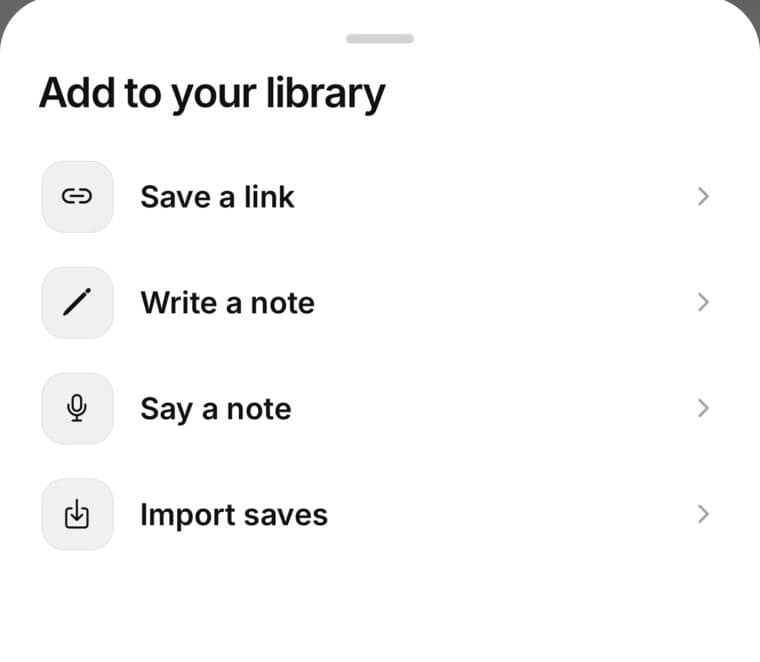
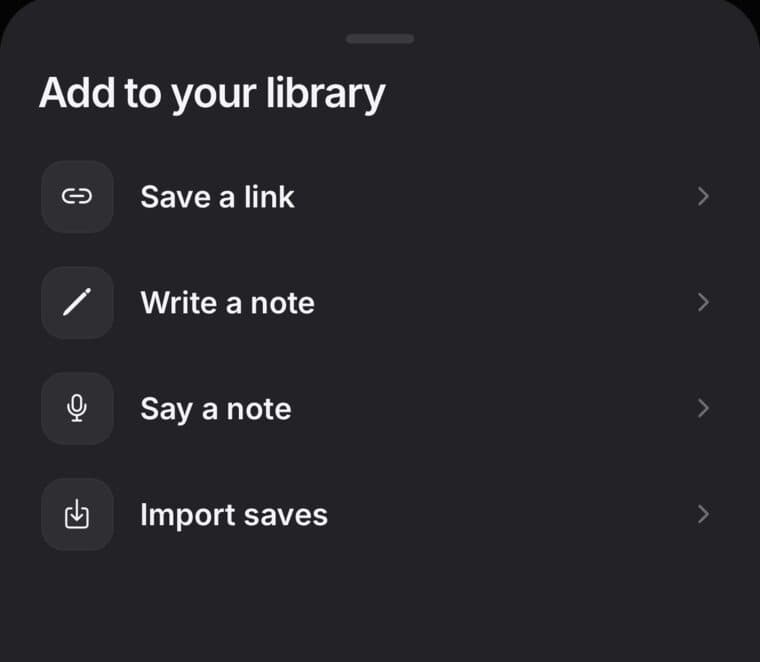
To keep a thought with no link, tap + and choose Write a note, or Say a note to speak it. Your words become text, and SavedIt doesn't keep the recording.
Updated October 18, 2026
Add a note to a save
- Open the save and tap Notes.
- Tap Add a note… and type. It saves as you go.
- Tap Done when you're finished.
Tap Aa for bold, italic, underline, strikethrough and lists. To remove a note, delete its text.
Highlights you make in the Reader land on the Notes tab too, above your note.
Write a note of its own
- Tap the + button.
- Choose Write a note.
- Add a title if you like, write, then tap Done.
A note is a save like any other: add it to a collection or set a reminder. To see only your notes, open the filters in your library and choose Notes under Saved as.
Say a note
- Tap the + button and choose Say a note.
- Talk. You can keep going for up to ten minutes.
- Tap Stop. Your words go into a new note.
Already writing? Tap Say more in a note to add what you say. On a save's Notes tab, the microphone adds your words to the end of the note, just as you said them.
The first time, your phone asks to use the microphone (and on iPhone, speech recognition). If you said no, turn them on for SavedIt in your phone's Settings.
Voice notes understand English (US), English (India) and Hindi.
Tidied from what you said
When you say a note, or Say more in one, SavedIt usually tidies your words into an easy-to-read note. Tap Show original to see exactly what you said. Until you change the note, Use these words instead puts your own words back.
Tidying uses AI that never trains on your words. SavedIt keeps what you said with the note, as text, but never the recording.
Who can see your notes
- Your notes are private to you, unless the save is in a shared collection. Then the note says seen by the collection, and people in that collection can read it.
- Notes never appear on public pages or in link previews.
- Search looks through your notes, so you can find a save by what you wrote.