Find & organize
Find something you saved
Search with exact words or describe the thing the way you remember it.
Updated September 27, 2026
Search with words or a memory
Search for a title, website, creator, tag, note, or collection name. Clear text matches appear before looser guesses.
On the web, use Search in the desktop sidebar or the phone or tablet header from any dashboard page. Press Cmd+K on Mac or Ctrl+K on Windows or Linux to open search from the dashboard.
A matching collection or source, such as Instagram, appears with the results so you can open it.
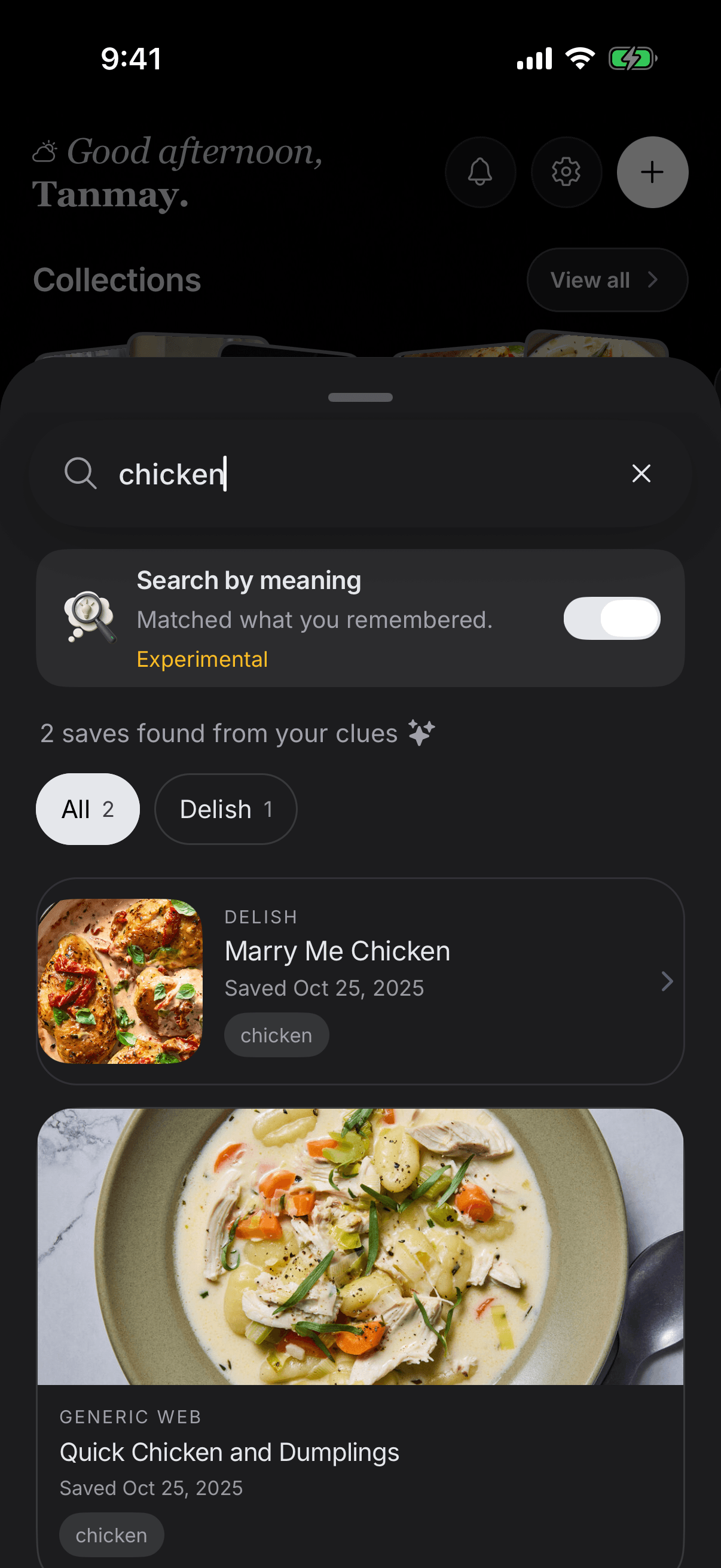
Do not remember the exact words? Describe the idea instead. Try “the small hotel near the water” or “pasta recipe for a weeknight.” Meaning-friendly search is experimental, so check the matches.
Narrow the results
Use a tag, source, or date filter when the list is too broad. You can also open a collection and search within that group of saves.
On Home, choose a sort order or filter the full library by ownership, source, tags, or recent saves. Filter options load when you open the filters; choose Try again if they do not load. Choose Clear filters to return to your library.
Matches that use all your clues appear first. Related saves share some of your clues or a similar meaning. Check the clue on each card to see why it appeared.
If a search method is unavailable, any matches already found stay on screen and SavedIt explains that results may be incomplete. Choose Try again to retry the search.
If you cannot find the save
- Try one clear word from the title or website.
- Remove filters that may be hiding it.
- Check the collection where you expected it to be.
- If you saved it moments ago, wait briefly while its details finish loading.
- Make sure you are signed in to the same account you used when saving it.
What is searchable
SavedIt searches the information stored with your save. It does not promise a permanent copy of every full webpage, private post, video transcript, or file.