


Example saves
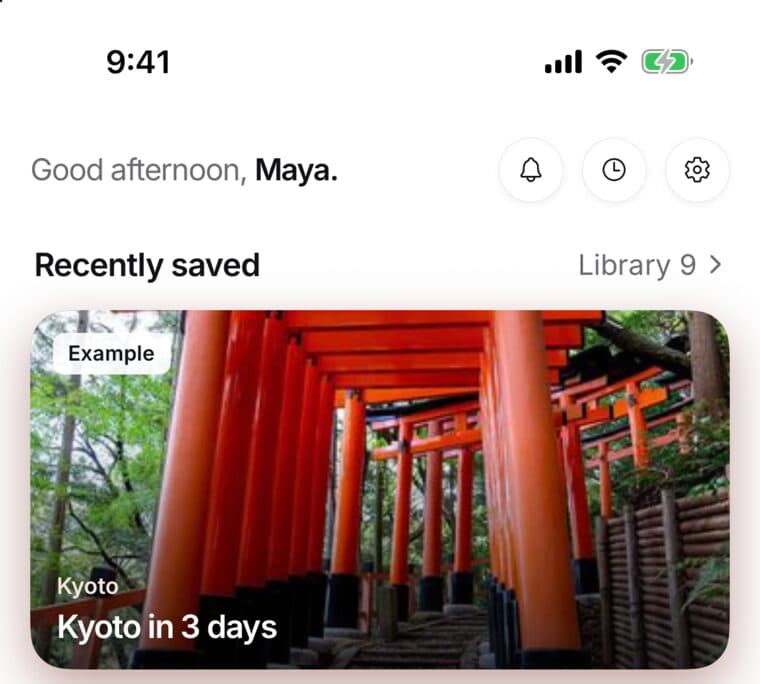
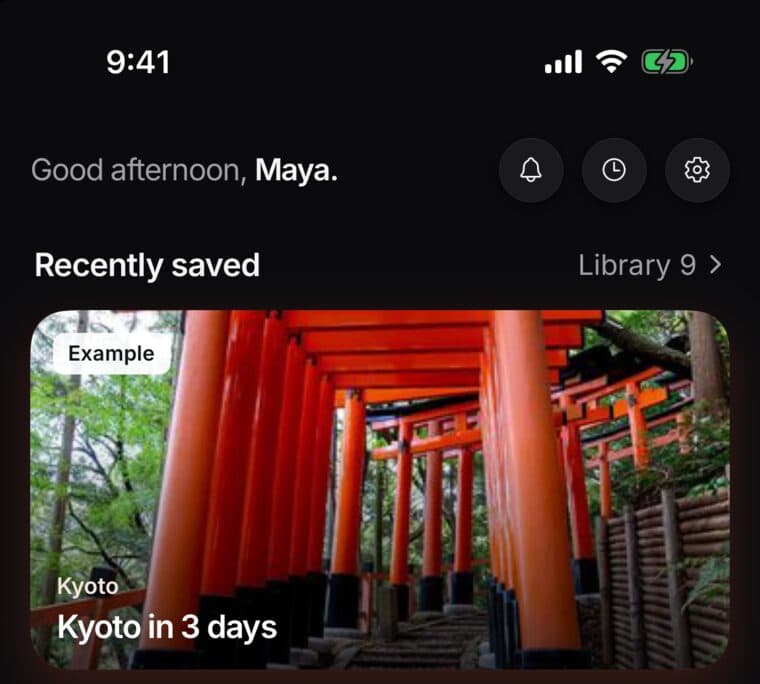
New accounts start with a few Example saves, so your library isn't empty on day one. Each one wears an Example label.
They're yours to keep or delete. Delete one and it's gone at once, with an Undo.
Updated October 18, 2026
What they are
Example saves are real saves in your account. They show an Example label, so you can tell them from the saves you made yourself.
Some collections start as examples too. Their count reads like 3 saves · Example.
Delete one
- Open the example and choose Delete, as you would for any save.
- It's removed right away. It doesn't go to Recently deleted.
- To bring it back, choose Undo in the Example deleted message. It shows for a few seconds.
When examples step aside
Only the saves you make yourself count toward the numbers below.
Once you've saved 5 of your own, Library lists only your saves. Use the Examples filter there to see the examples.
Once you've saved 15 of your own, examples are left out of search results and out of what Keeper reads.
Saving the same link
If you save a link that an example already holds, that example becomes your own save. You won't see an already saved message for it.
Keeper and connected assistants
While you have fewer than 15 saves of your own, Keeper can read examples. On your phone, when an answer used one, its source shows the save's title followed by · Example.
ChatGPT, Claude and other assistants you connect never see examples.
Examples stay private
You can't share an example, invite anyone to it or make a public link to it. If you try, you'll see Examples stay private. Examples also don't show on your public page.