


See your saved places on a map
When your saves include places, Home shows them on a map under Places. Tap Map to open the full map, with every place you saved. The full map is part of Plus.
In a collection, tap Map to see just its places. If a save is pinned in the wrong spot, open it and tap Wrong place?
Updated October 22, 2026
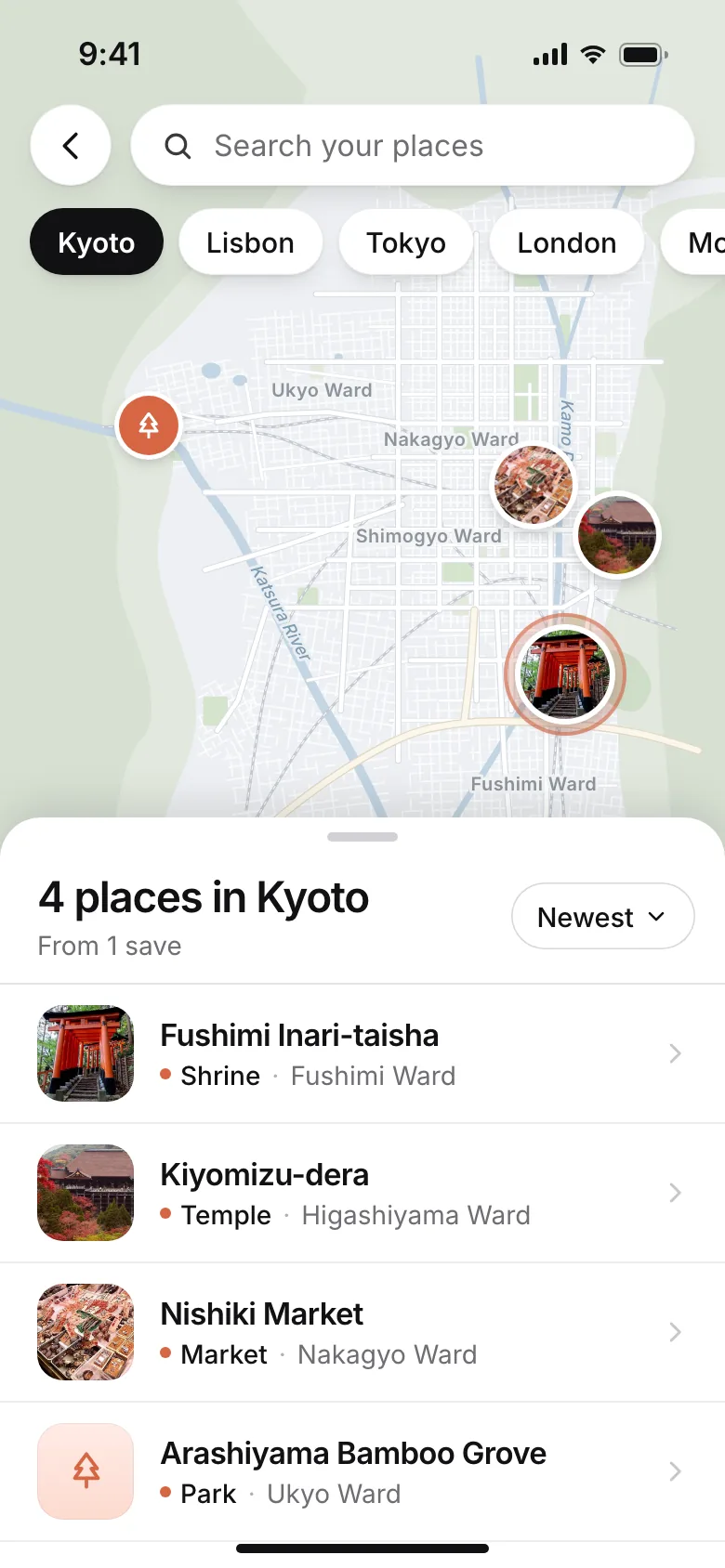
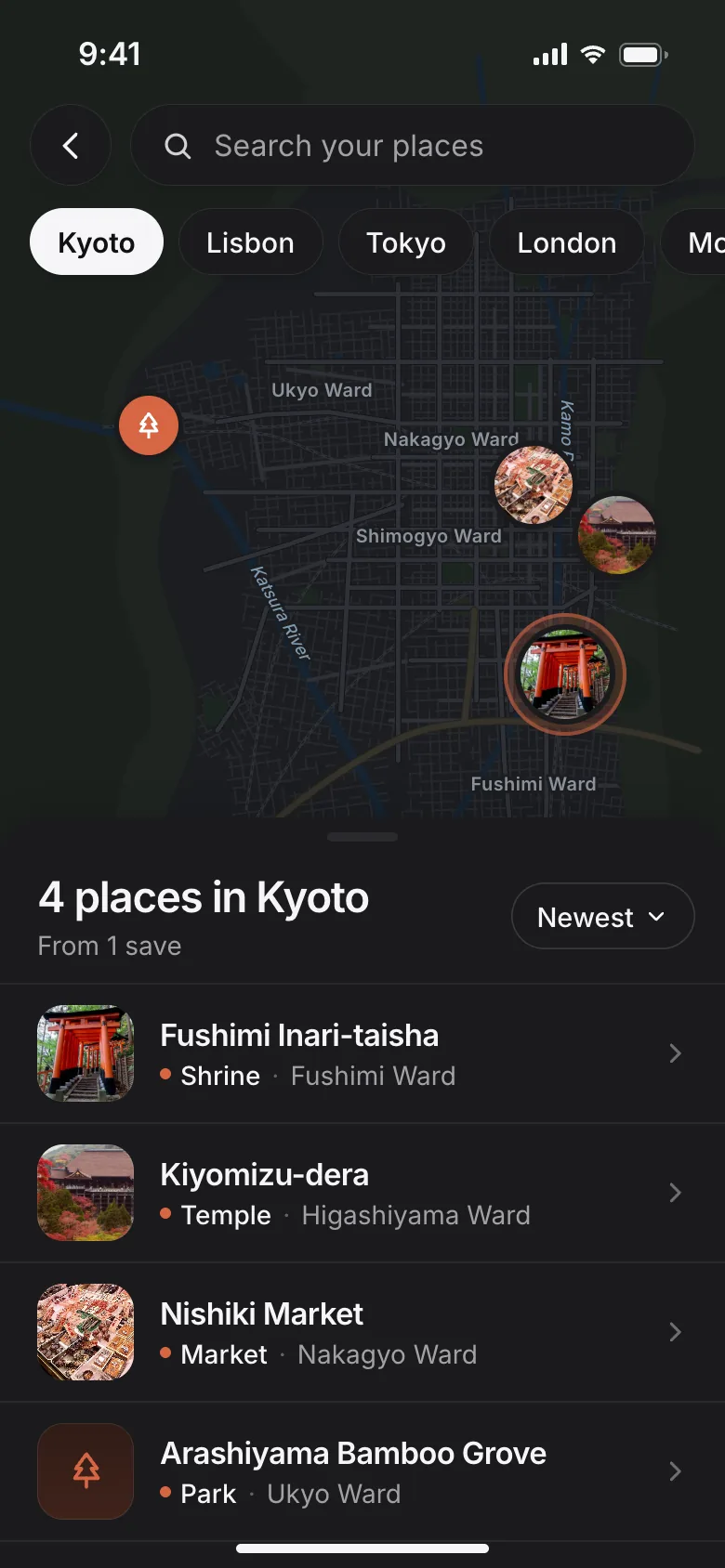
Open the map
- On Home, find Places under your newest saves.
- Tap a city above the map to move there, or tap Map to open the full map.
- Tap a pin, or a place in the list, to see Open and Directions.
On the full map, search your places at the top or pick a city. The list under the map shows how many places are in view, and you can sort it.
On Free, Map shows a preview with See the map with Plus.
The Places map is part of Plus. The place on each save, with Open and Directions, is free for everyone.
A collection's map
Open a collection with places in it and tap Map. Its places are listed in trip order, with how many you've been to, like 3 of 14 visited.
Saves that name a place but aren't pinned yet are listed under Not on the map yet. Tap Pin it to choose the place.
Fix a wrong place
- Open the save and find its place.
- Tap Wrong place?
- Pick the right one from the Google Maps matches. The place it has now is marked Now.
- Not listed? Type the name and tap Search.
The map and Directions update right away, for that save only. If it isn't a place at all, choose Not a place to remove the pin. You can Undo it.
Wrong place? shows on your own saves that have one place. If SavedIt says that's a lot of place look-ups today, try again tomorrow.
Mark where you've been
Went there? Open the save and tap Been here? on its map pin, or Been here next to Directions. It marks today, with Undo. Tap it again to change the date or remove it.
Only you see it, even in a shared collection.
What's sent to Google
To put a place on the map, SavedIt sends only the place name and a location, like the city, to Google. Never your account, titles or captions.