


Get the places or the recipe from a saved video
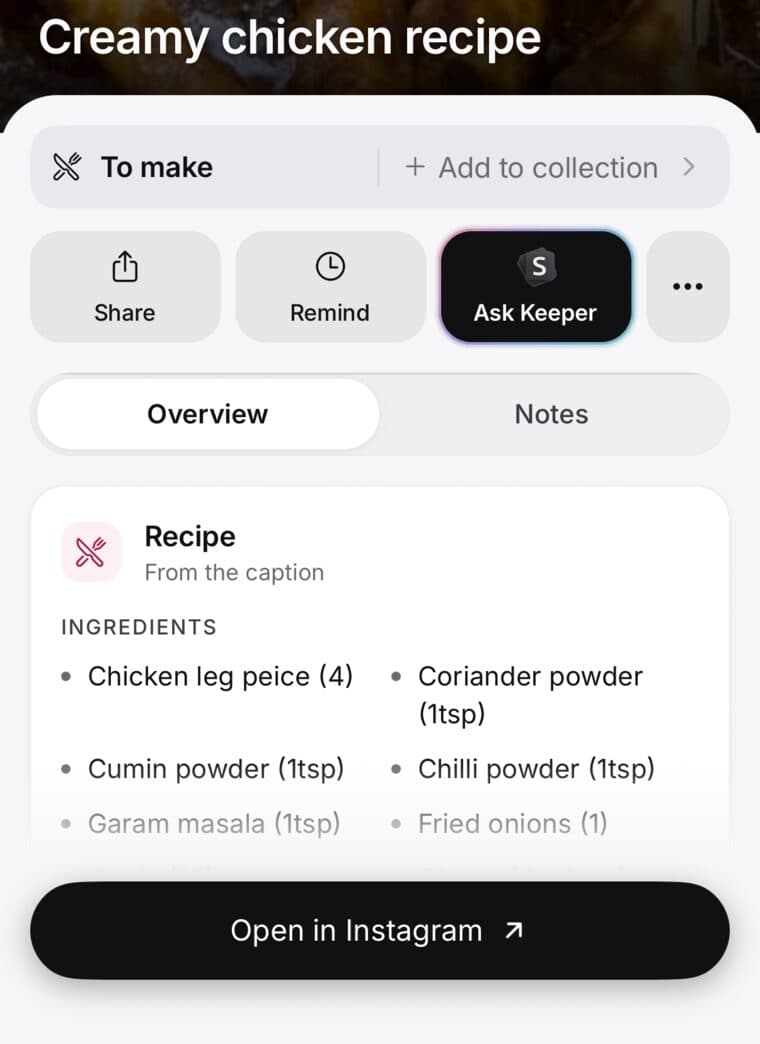
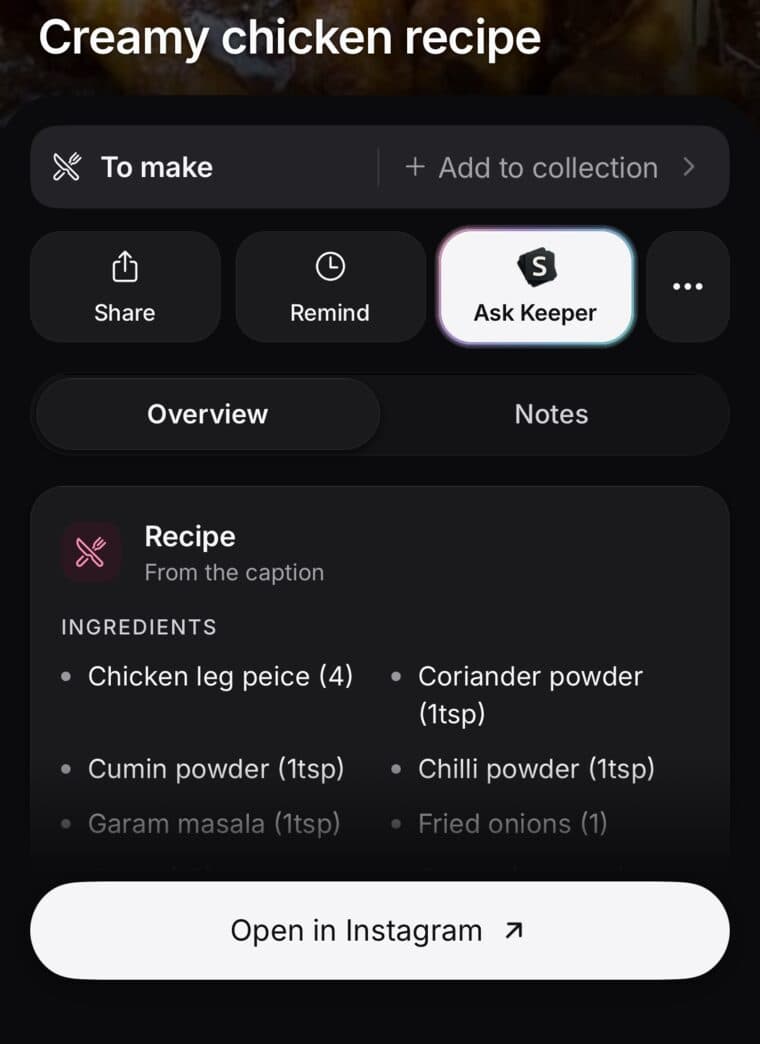
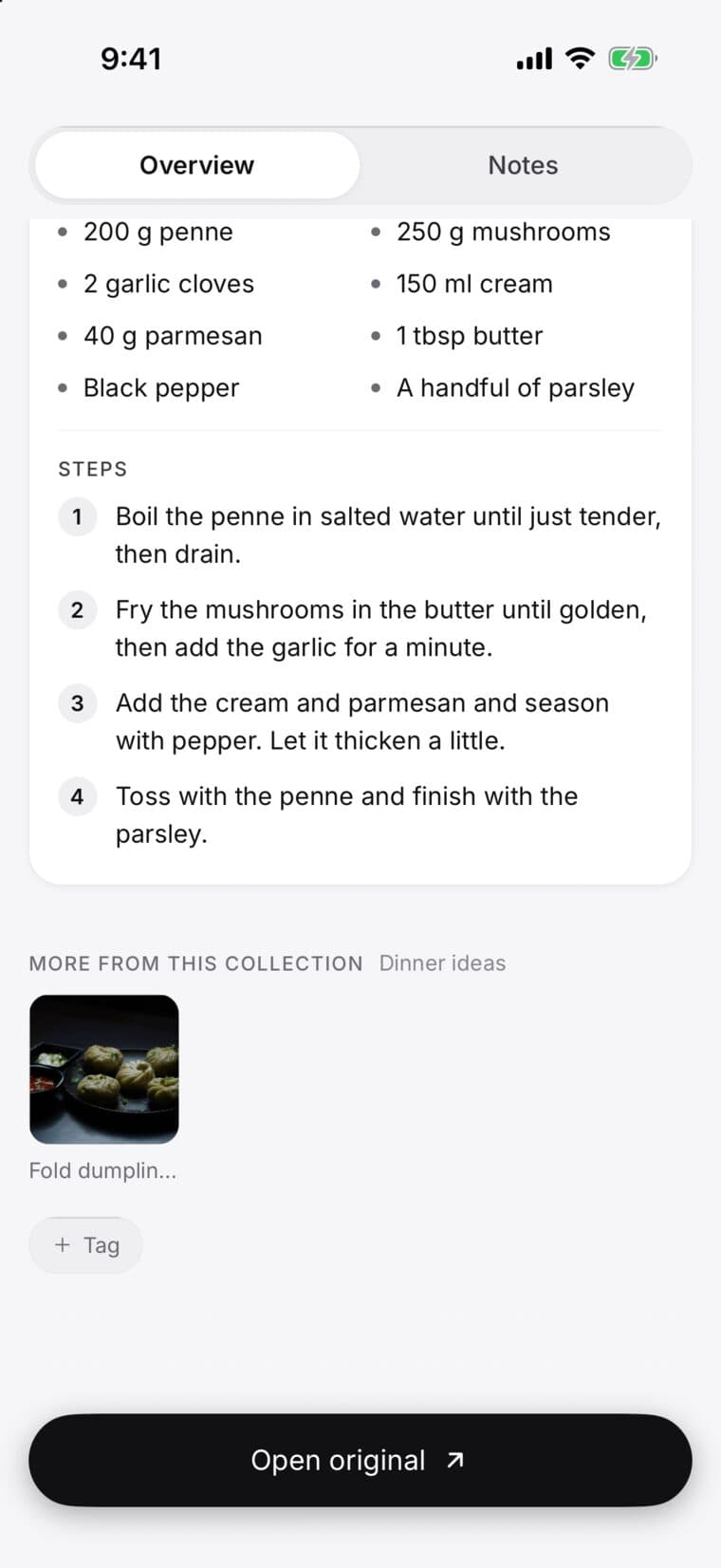
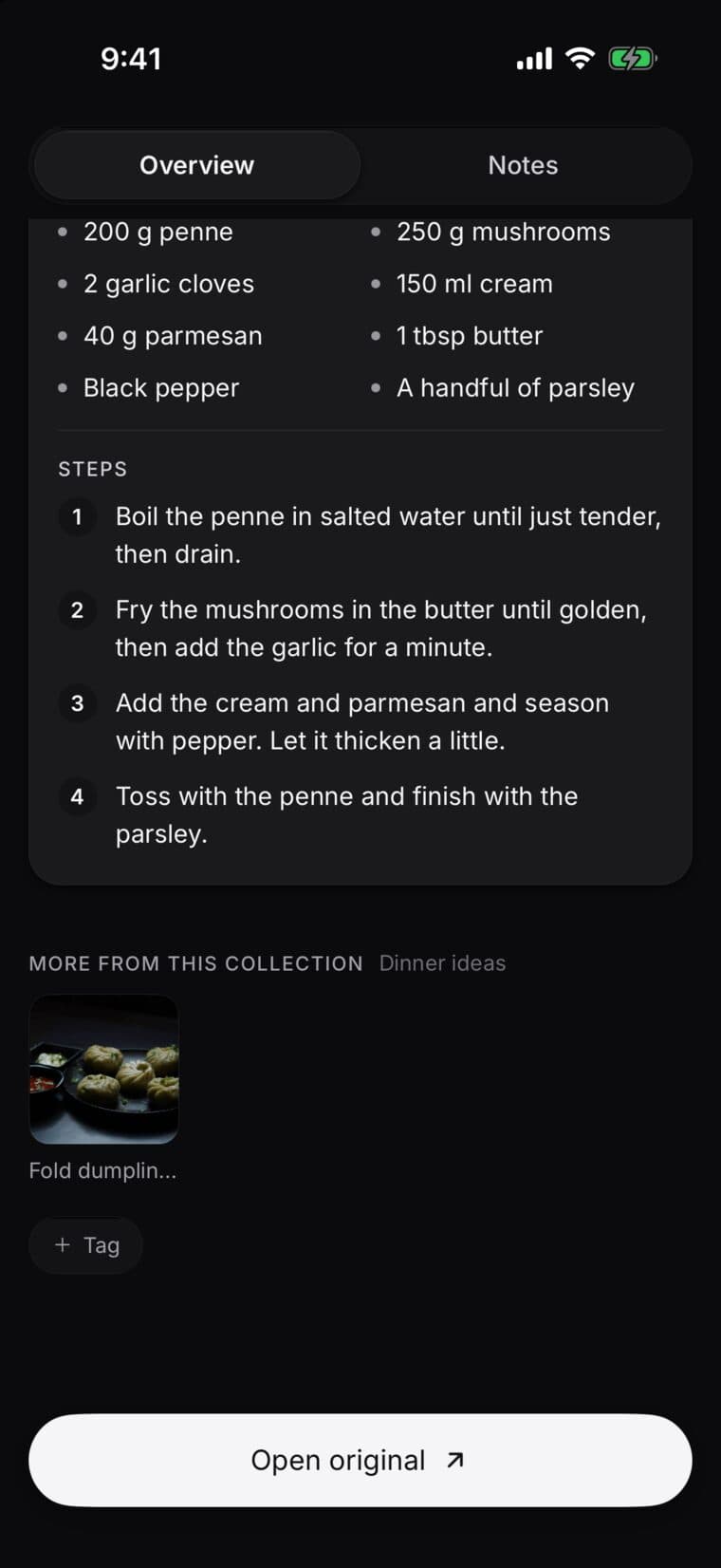
Save the video or photo post the way you save anything: tap Share, then SavedIt. SavedIt listens to what's said in a video, or reads the pictures in a photo post, and writes out what matters, like the places it visits or the recipe's ingredients and steps.
There's nothing to turn on. Free reads 10 a month, videos and photo posts together, and Plus reads 500. The Plus screen calls this Magic read.
Updated October 19, 2026
Save a video
- In TikTok, Instagram or YouTube, tap Share, then SavedIt.
- Open the save in SavedIt. While it works, it says Listening to the video. You can leave the page.
- Come back in a minute and it's all written out under the video.
A photo post, like an Instagram carousel, works the same way: SavedIt reads its pictures and caption.
What you get
Want every word? Tap More, then Full transcript, then Copy. What's said in the video is searchable too, so typing a dish or a street finds it later.
- A recipe: the ingredients and the steps, so you can cook without pausing the video.
- A place: what it is and why it's worth going. If SavedIt picked the wrong one, tap Wrong place?
- Anything else: a few key points, so you get the gist without watching again.
How many reads
Videos and photo posts share the count. It starts again on the 1st of each month. Once your free 10 are used, new videos and posts still save, and SavedIt goes by their caption and picture. On the save you may see Plus reads what's said in this video, with the day your next free one comes back. Tap Read this video to see Plus.
- Free: 10 a month.
- During a free trial: 30 a month.
- Plus: 500 a month.