


Ask Keeper about your saves
On Home, tap the Keeper key next to Search and ask in your own words, like “what do I need for the penne?” or “where should we eat in Lisbon?”. Keeper answers from what you saved and shows which saves it used.
Free includes 5 asks a month. Plus gives you 300, and Think deeper for big questions.
Updated October 19, 2026
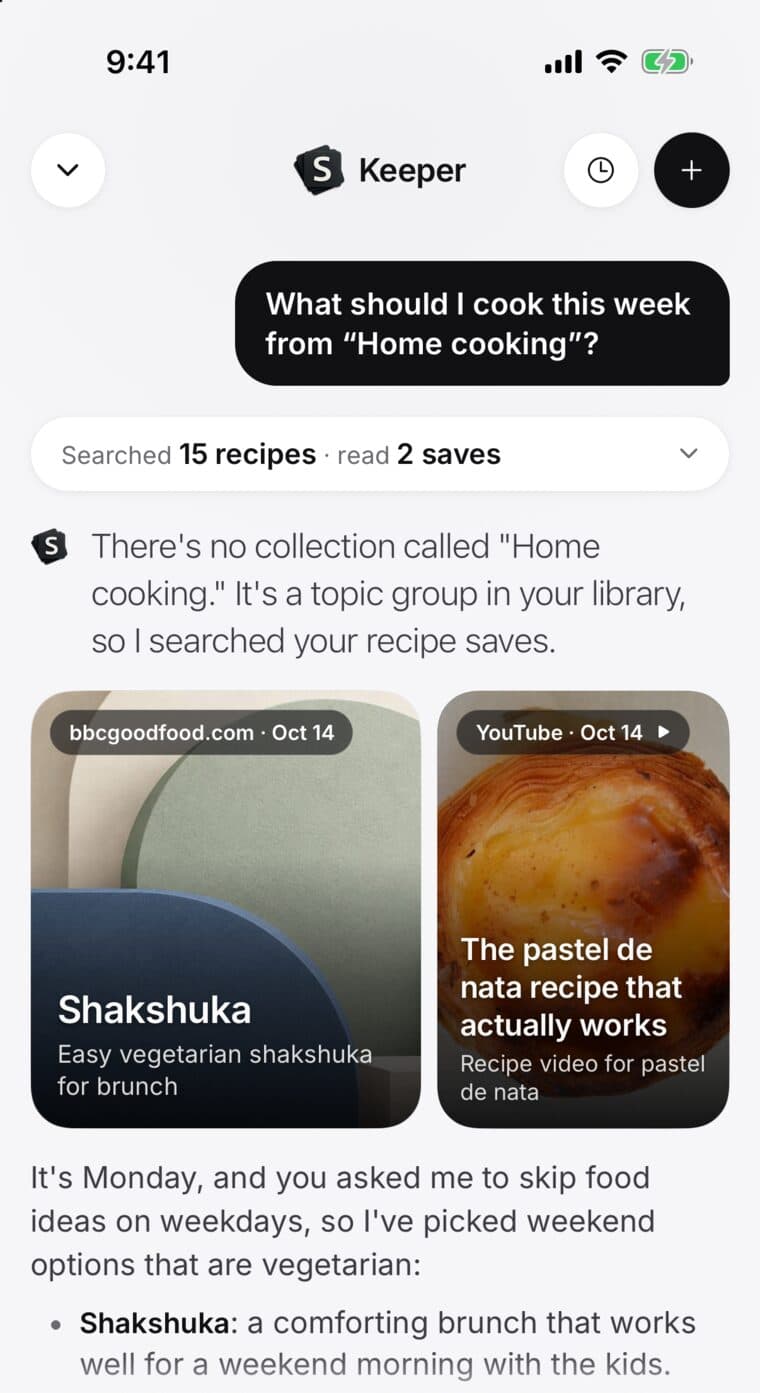
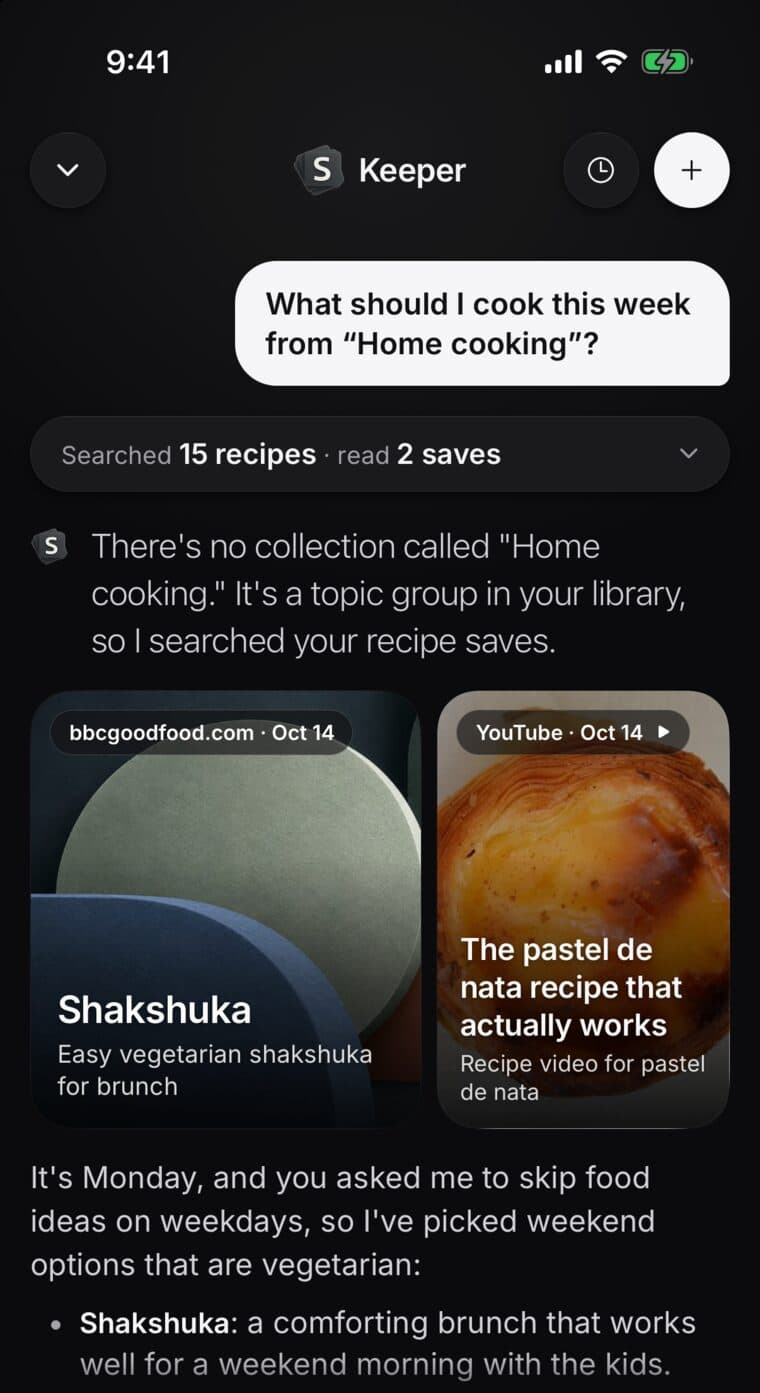
Ask a question
- On Home, tap the Keeper key beside Search.
- Type your question and tap the arrow.
- Above the answer, a line like Read 3 saves shows what Keeper used. Tap it to see those saves.
Keep going in the same chat to narrow it down: “just the vegetarian ones” or “which is closest to the hotel?”.
Ask about one save or a collection
- On a save: tap Ask Keeper.
- In a collection: tap Ask about this collection, or Ask Keeper next to Map.
- In Search: type what you're after, then tap the Ask Keeper row.
- In Keeper: tap +, then Pick saves, A collection or Paste a link, before you ask.
Think deeper
For a big question, like planning a whole trip from everything you saved, Keeper can read more of your saves before it answers. Tap +, switch on Think deeper, then ask. It's slower, and it turns off again for your next chat.
Think deeper is part of Plus: 60 a month, or 30 a month during a free trial.
How many asks
Asks come back on the 1st of each month. On Free, Keeper tells you when you have 1 free ask left.
When they run out, your answers stay where they are and Keeper is back on the 1st. Search and saving keep working.
- Free: 5 asks a month.
- Plus, and during a free trial: 300 asks a month.
What Keeper reads
Keeper answers from your own saves, and from your notes on the saves it uses. Here is everything it reads and how to pause or clear it.