Reddit saved posts: where they are and the 1,000 limit
Short answer
Open your profile and tap Saved. Reddit's list shows only your most recent 1,000 saved items, so older saves stop appearing.
Updated October 27, 2026 2 min read
Find them on Reddit
Open Saved in the app
Tap Profile, then Menu, then Saved.
Open your profile, open the menu, then tap Saved.
Or open it on the web
Tap Your profile, then Saved tab.
On reddit.com, go to your profile and click the Saved tab.
Pick posts or comments
You can save posts and comments. Save the post when you want the whole thread, and the comment when one answer is the point.
Get a copy of everything
Tap reddit.com/settings/data-request.
Reddit's data request includes a file of your saved posts.
What Reddit Saved can't do
- It stops at about 1,000
- The list shows your most recent 1,000 or so saved items. Save one more and the oldest slips off the list. This is a known limit on how Reddit lists things.
- No folders
- Every save goes into one list, from recipes to career advice to a thread you wanted for later.
- No search
- You can't type a word and find a saved post, so a save from last spring is a long scroll, if it is still listed.
- A data request is slow
- Reddit's data copy has your saves, but you request it, wait for it, and read a file instead of a library.Source: Reddit data request
Keep the posts you want, and search them
Reddit has no import into SavedIt. You share the posts worth keeping, and they never fall off a list. SavedIt keeps the link and what it reads, and you search it later by what you remember.
Share the post to SavedIt
Tap Share, then SavedIt.
On any post, tap Share, then SavedIt. You stay in the thread while it saves, and you can add a note about why you kept it.
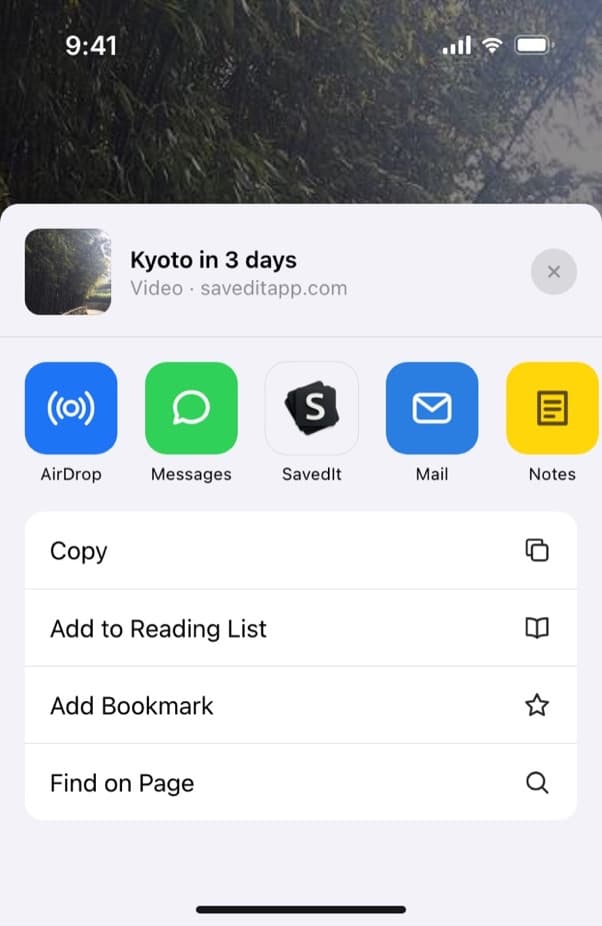
Share a Reddit post without leaving the thread. Skim the key points
SavedIt reads the post and writes a title and the key points. A long post becomes a few lines you can check before you reopen the thread.
Search by what you remember
Type "sourdough starter not rising". No match on the words? One tap searches by meaning, so "that thread about renting in Berlin" still finds it.
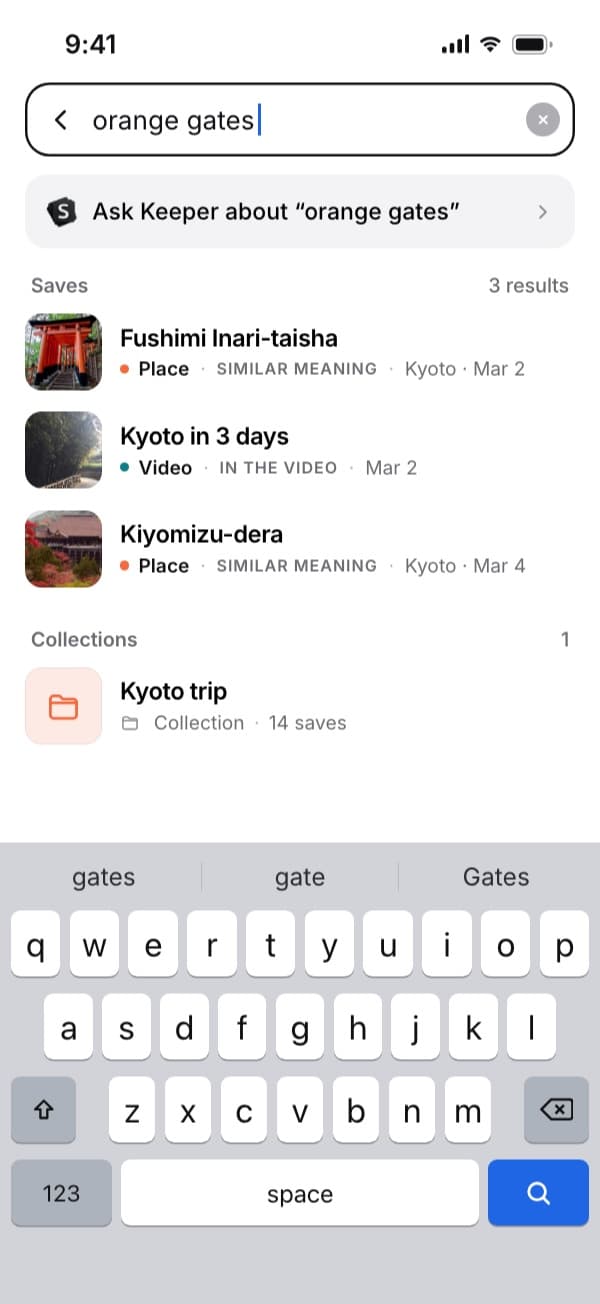
Here "orange gates" finds the Kyoto video by what's said in it. Plus searches by meaning without a monthly limit. File it with the rest
Put saves into collections next to your Instagram, TikTok and YouTube saves, so a trip has the Reddit thread and the Reel in one place.
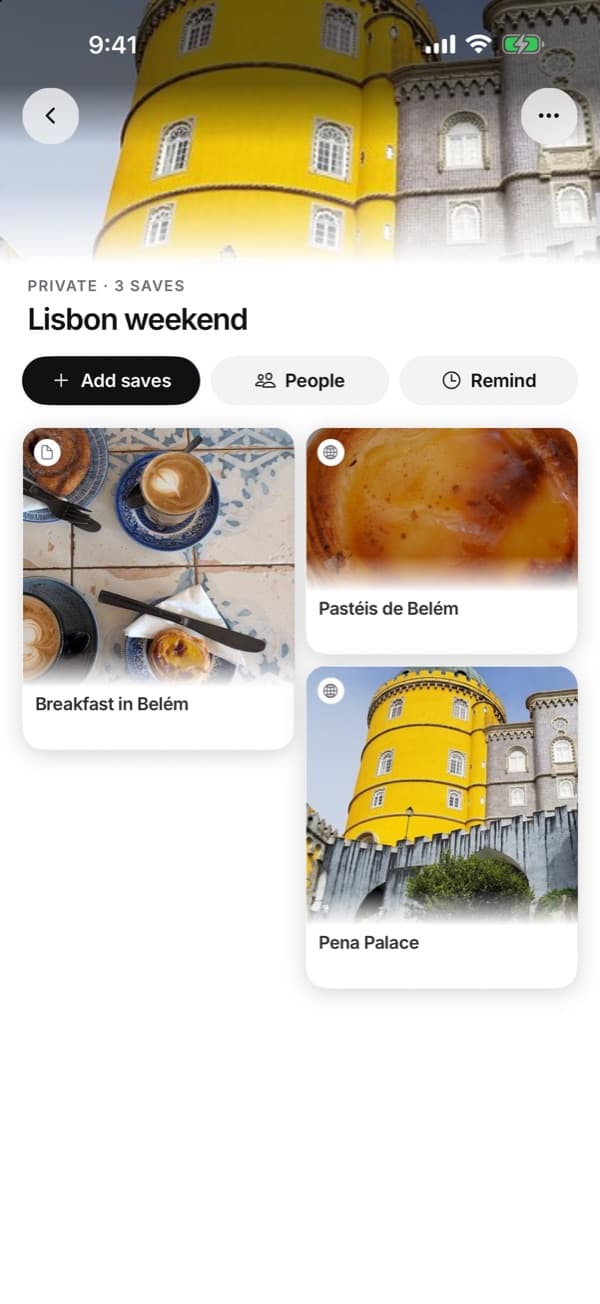
One collection can hold saves from Reddit, Instagram, TikTok and more.
Questions people ask
Where are my saved posts on Reddit?
In the app, open your profile, then the menu, then Saved. On the web, open your profile and click the Saved tab.
Is there a limit to how many posts Reddit shows in Saved?
Yes. The list shows only your most recent 1,000 or so items.
Can I search my saved posts on Reddit?
No. Reddit's Saved list has no search box and no folders. To find a post by a word you remember, keep it in SavedIt.
Can I get my saved posts out of Reddit?
Reddit's data request (reddit.com/settings/data-request) sends a file of your saved posts. From then on, keep the ones that matter somewhere that doesn't cap at 1,000.
Can SavedIt import my Reddit saves?
No. You share the posts you want to keep. From then on they stay in your library whatever Reddit's list does.
More guides
Free on iPhone and Android
Save the thread, not the scroll
Keep the Reddit posts that matter and find them by what you remember.