


Every device
Use SavedIt across devices
Save on your phone, then open the same library on the web. SavedIt keeps your saved links, collections, and search in one account.
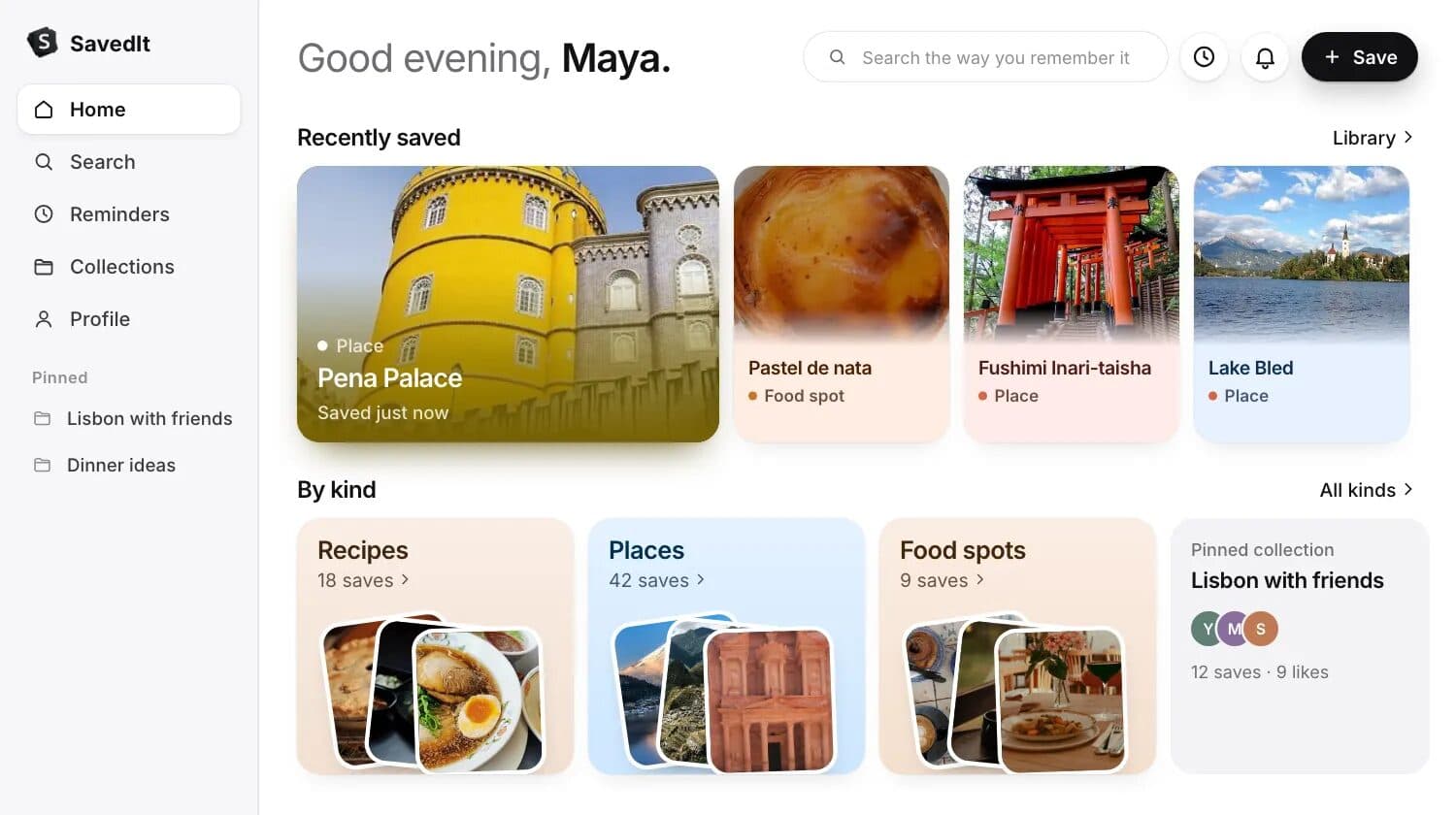
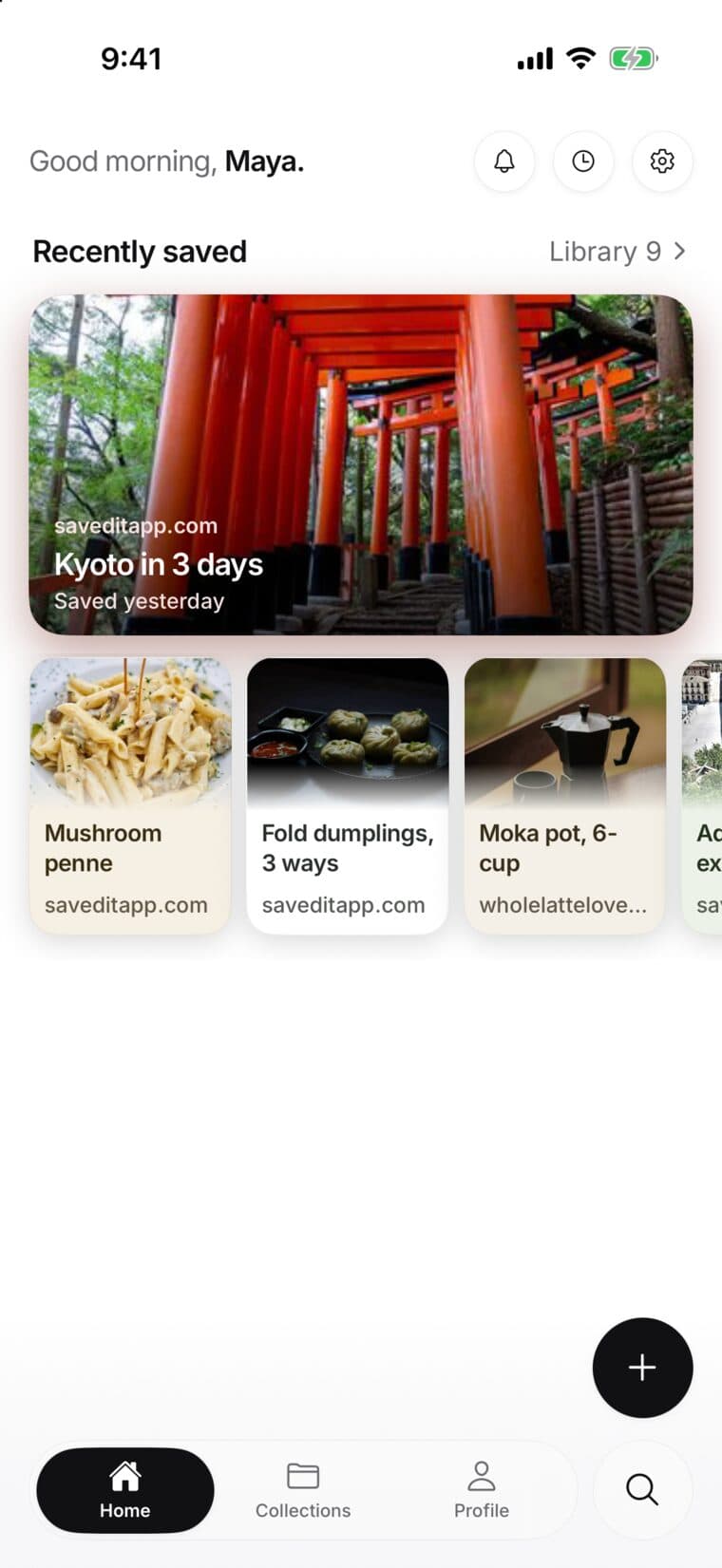
Use the same account
- Sign in to SavedIt on your iPhone with the account you want to use.
- Open the SavedIt web app and sign in with that same account.
- Check the library before saving the same link again.
Pick up where you left off
Your saved links and collections are available from the web app on a larger screen. Browse, search, filter, and open the original source there; a save made on your phone or in Chrome is already in the same library.
If something looks missing
- Check the email or sign-in method on both devices.
- Open the collection where you expected the save to be.
- If you saved it moments ago, wait briefly while its details finish loading.
- Search for one clear word from the title or website.
Saving and search use the same library, so signing in again with the right account should bring you back to the same saves.