


Organize
Suggested collections
Keeper can group your loose saves into collections. Look at each group, then decide whether to make it.
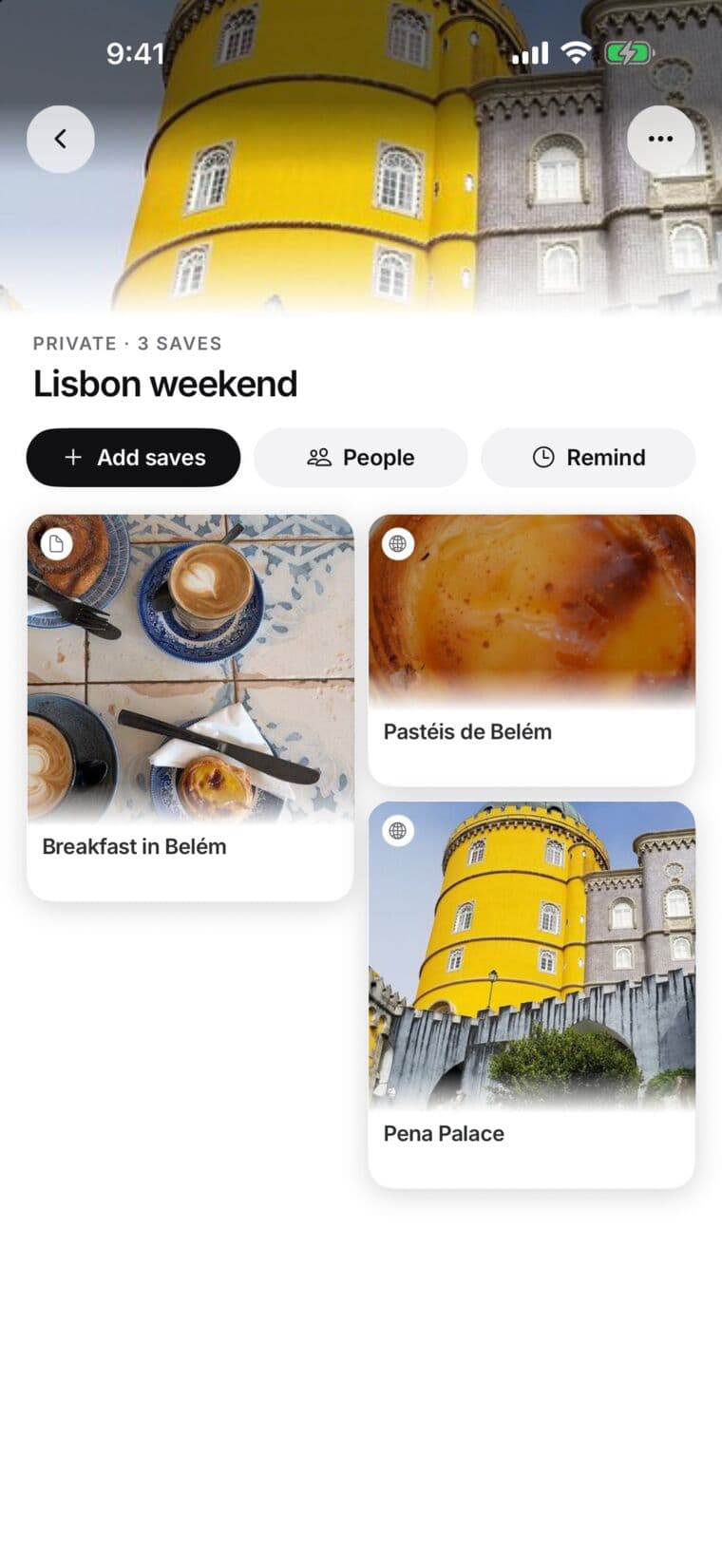
A suggestion waits for your review
Keeper looks for saves that belong together and suggests a name for each group. Nothing is made until you say so, so check the name and the saves first.
Review a suggested collection
- Open Collections.
- When Keeper has something to sort, a Keeper card appears there. Tap Review when Keeper has suggestions; if you see Sort instead, tap it to have Keeper group your loose saves.
- Keeper’s suggestions opens. New collections are groups Keeper wants to make; Add to your collections lists saves for collections you already have.
- Tap a group under New collections to see its name and saves. You can rename it.
Choose what happens next
- Create collection makes the collection with the saves you kept.
- Not now dismisses the suggestion without making the collection. You can undo it right away.
- Tap a save to look at it, then choose Keep in or Leave out.
A suggestion is a starting point, not a promise that every save belongs together. With Plus, Match to collections in Settings suggests where each new save belongs.