


Organize
Collections
Keep the saves for a recipe list, trip, or project together. Make a collection on your phone or the web, then open it from either place.
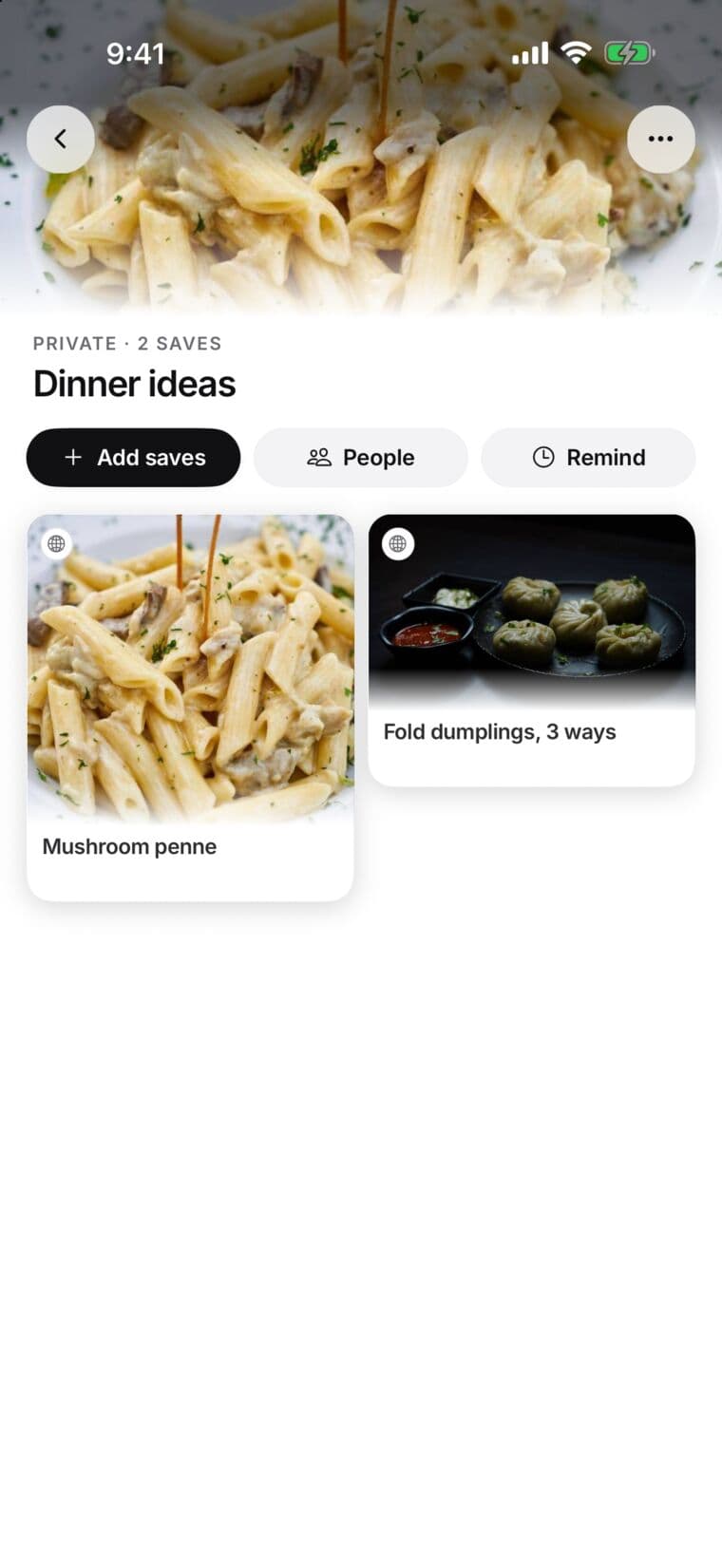
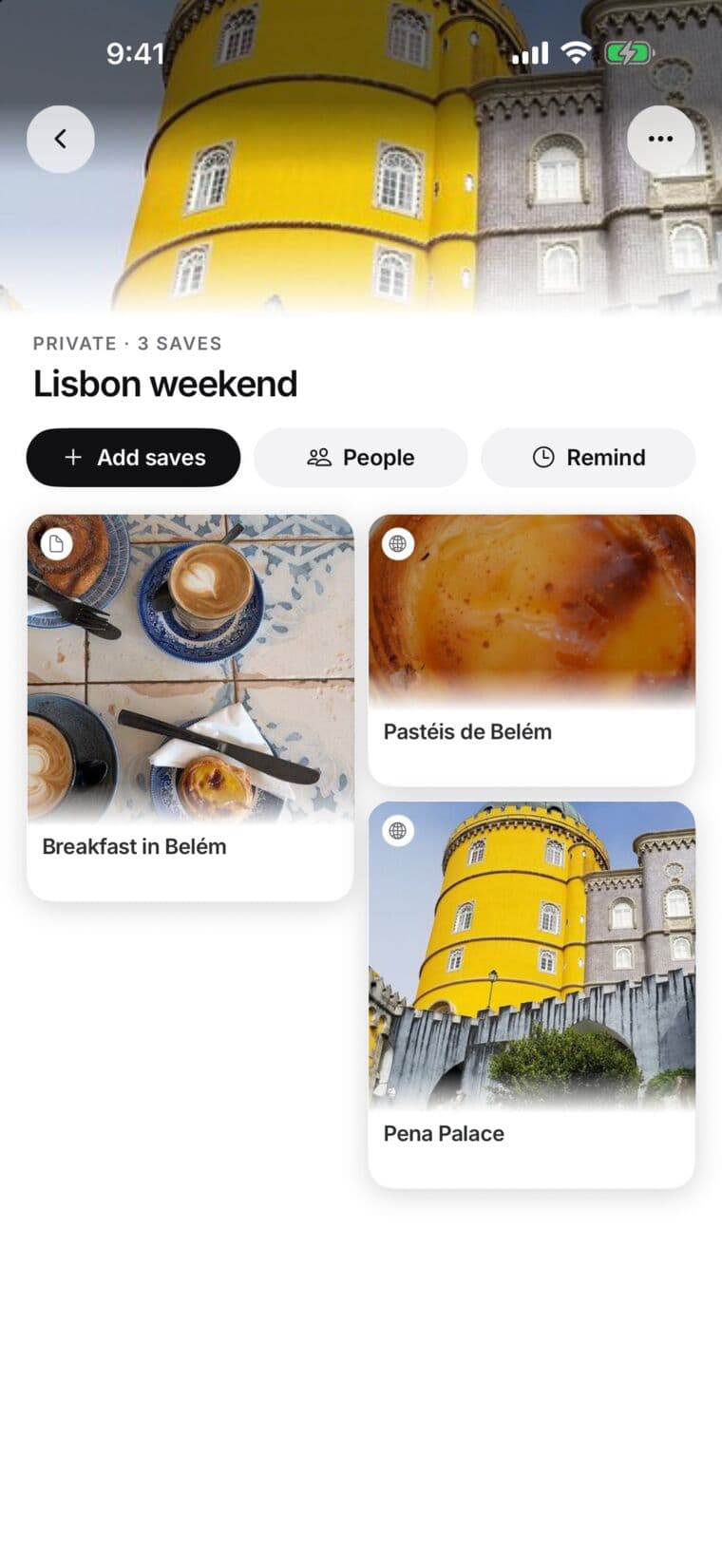
What are collections?
It is a place for related saves. A recipe can sit in both “Weeknight dinners” and “Things to try” without making a second copy. SavedIt also groups saves by source, such as YouTube or Spotify. You can name, customize, and share the collections you create yourself; source groups cannot have public links.
How to create a collection
- Open Collections.
- Choose the + button. If a menu opens, choose New collection.
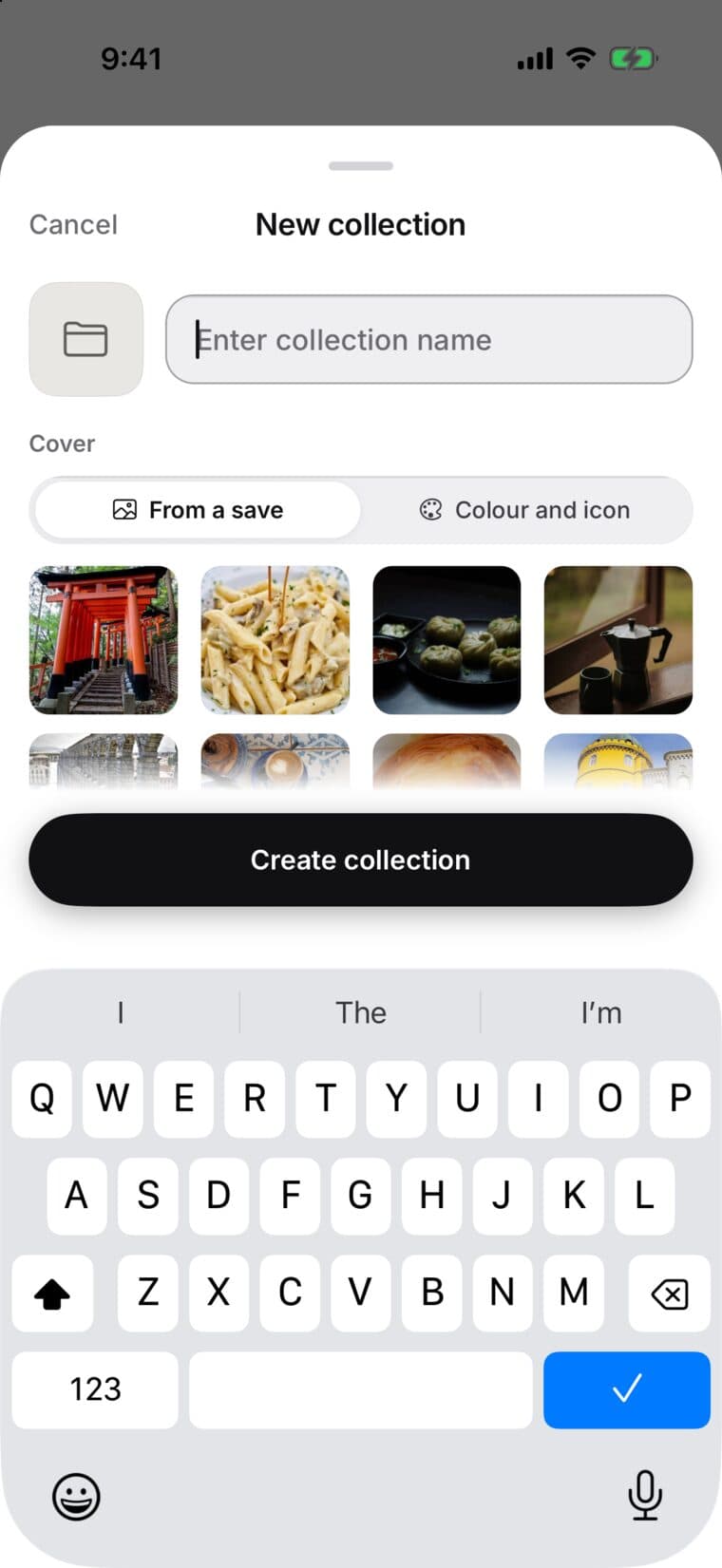
- Give it a name and choose Create collection. Add saves from your library, or choose the collection while saving.
What can you do with one?
- Add or remove saves. Removing one from a collection leaves it in your library.
- Search inside the collection, sort its saves, and switch between grid and list views.
- Set a reminder for the collection, or pin it so it is easy to find.
Names, details, icons, and colors
Edit the name or description on the collection page. For its appearance on the web, return to Collections, open that card’s Collection actions, and choose Cover. Pick From a save to use a photo from one of its saves, or Color to choose a color and an icon. On iPhone, the collection menu has the same Cover choices. Appearance does not change who can see it.
Privacy and sharing
A collection starts private. To share one, open People on iPhone or Share on the web. You have two choices:
- Invite a person: Enter their username or email and choose Can view or Can edit. Viewers can open the collection; editors can help manage its contents. Only the owner manages people, public access, and deletion.
- Share a public link: Anyone with the link can view and pass it along. It is unlisted, and you can turn it off. A link alone does not let visitors edit, like, or comment.
Shared members can like and comment on items in a manual collection. Adding someone else’s saves through a public collection takes a separate time-limited contributor invitation. A public page keeps your email, private notes, tags, reminders, and collaborator list out of view.
Turning off a public link stops new visits; copies people already made stay in their libraries. Deleting a collection leaves its saved items in your library. Deleting a saved item removes it from your library and collections.